96
Shooting (Advanced operations)
Shooting
Selecting the shooting mode
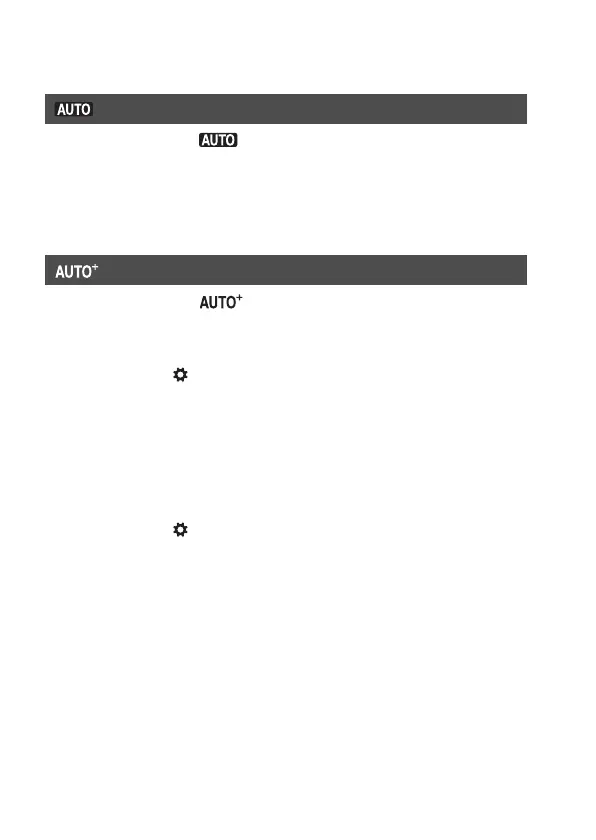
Set the mode dial to , and shoot images (page 36).
Note
• Since the camera turns on the automatic setting function, many features will be
unavailable, such as exposure compensation, ISO setting. If you want to adjust
various settings, set the mode dial to P, then shoot your subject.
Set the mode dial to (Auto+), and shoot images (page 43).
To set the continuous shooting
MENU button t 1 t [Auto+ Cont. Shooting] t Select the
desired setting
To select the storage method to be used for recorded images
In continuous shooting, you can select a storage method that allows the
camera either to store 1 appropriate image from among the continuously
shot images or store all the images.
MENU button t 1 t [Auto+ Image Extract.] t Select the
desired setting
Notes
• Even when you set [Auto+ Image Extract.] to [Off] with [Hand-held Twilight]
selected from recognized scene mode, 1 combined image is saved.
• The numbers of images that were not saved are skipped when the images are
extracted.
AUTO



 To Next Page