39
Shooting and viewing images
Playing back images
Note
• Movies recorded with other devices may not be played back on this camera.
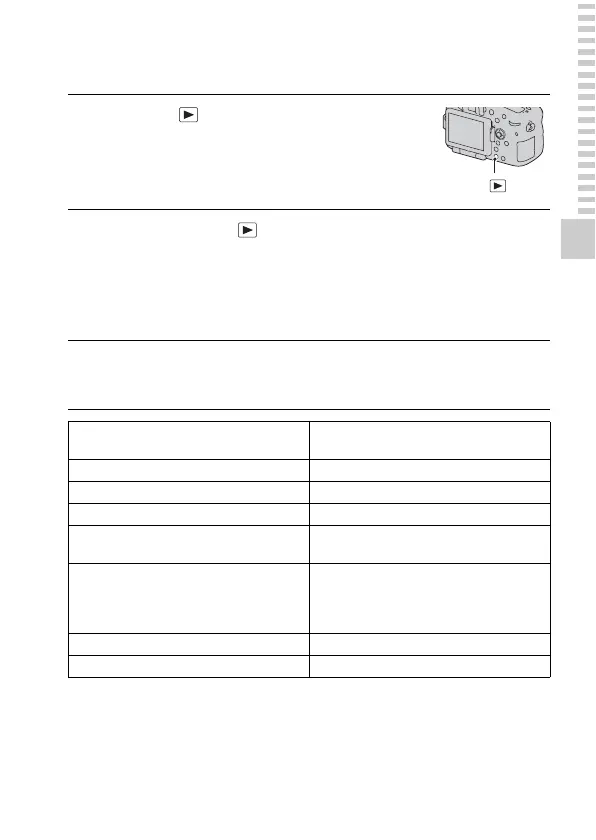
1
Press the button.
button
2
MENU button t 1 t [View Mode] t Select the
desired mode
• To play back still images, select [Folder View(Still)], and to play back
movies, select [Folder View(MP4)] or [AVCHD View] according to the
file format.
3
Select an image with b/B on the multi-selector.
• To play back movies, press the center of the multi-selector.
During movie playback
Multi-selector/Front or rear control dial
operation
To pause/resume z
To fast-forward B
To fast-rewind b
To slow-forward Rotate the front or rear control dial to the
right during pause.
To slow-reverse Rotate the front or rear control dial to the
left during pause.
• The movie is played back frame-by-
frame.
To adjust sound volume V t v/V
To display the information DISP (Display) button



 To Next Page