70
Using the guide function of the camera
In-Camera Guide
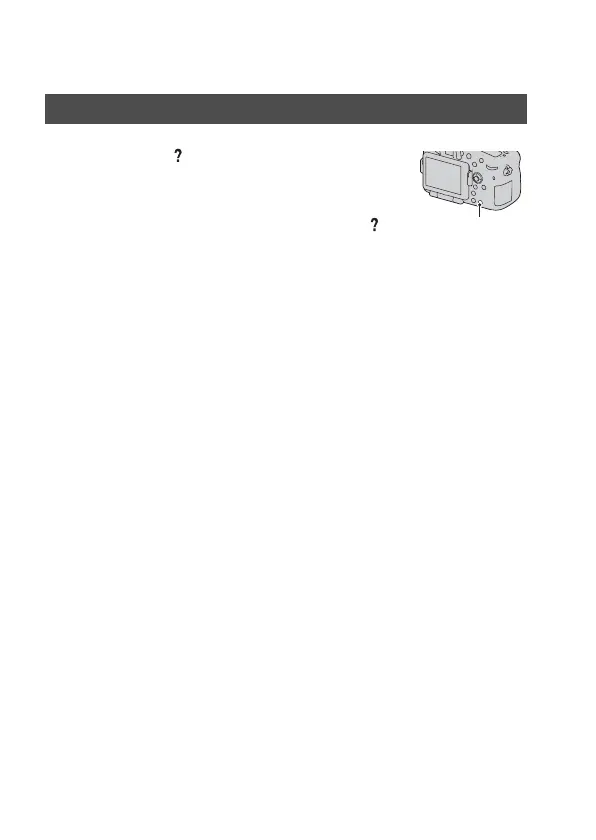
When you press the (In-Camera Guide)
button on the Fn screen or menu screen, a
guide in accordance with the currently
selected function or setting appears
automatically.
Select unavailable functions or settings
on the Fn screen, then press the center of
the multi-selector, the appropriate setup
is indicated in order to enable them.
(In-Camera Guide) button



 To Next Page