192
Connecting the camera to the computer
“PMB” allows you to easily import images.
For details on “PMB” functions, see the “PMB Help.”
Importing images to the computer without using “PMB”
When the AutoPlay Wizard appears after making a USB connection
between the camera and a computer, click [Open folder to view files] t
[OK] t [DCIM] or [MP_ROOT] t copy the desired images to the
computer.
2 Turn on the camera and the computer.
3 Check that [USB Connection] in 2 is set to [Mass Storage].
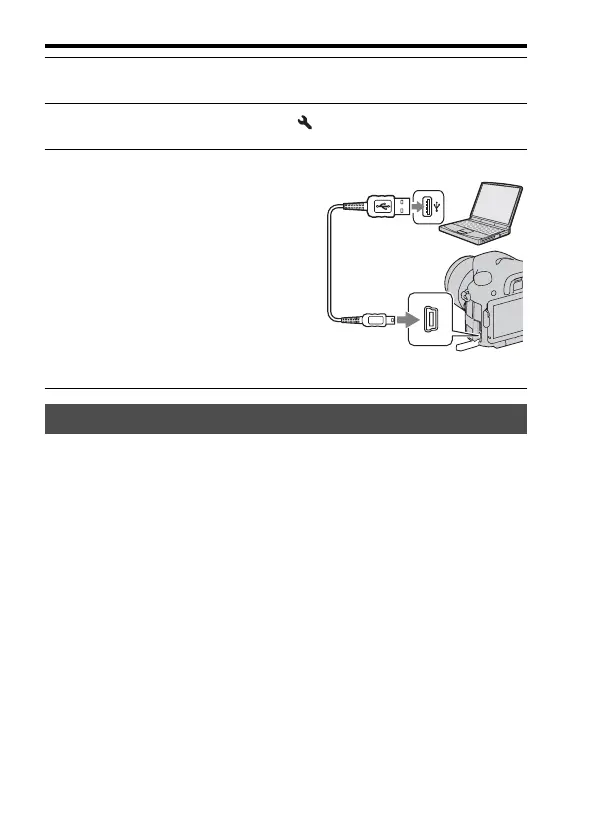
4 Connect the camera to your
computer.
• When a USB connection is established
for the first time, your computer
automatically runs a program to
recognize the camera. Wait for a while.
Importing images to the computer (Windows)
1 To a USB terminal of the
computer
USB cable (supplied)
2 To the USB terminal



 To Next Page