56
Switching to the display of the image
list
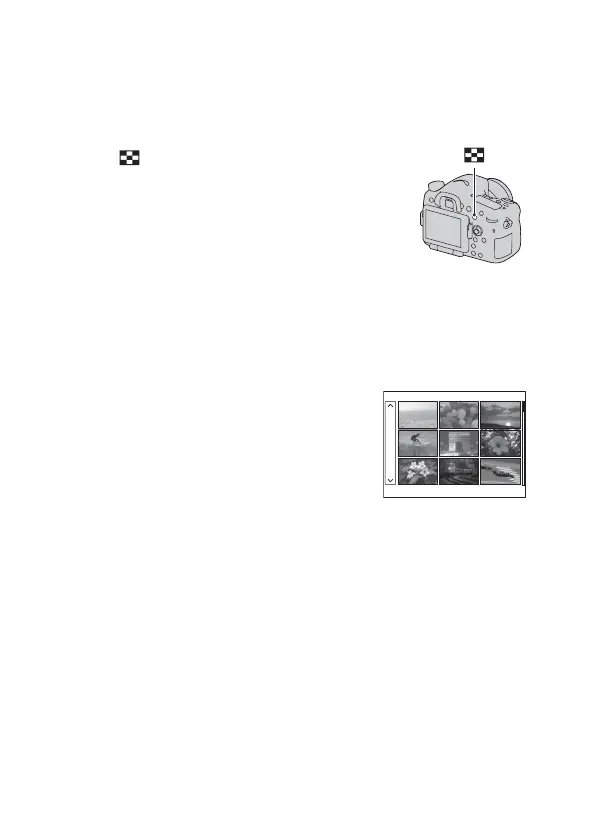
You can display multiple images on the screen simultaneously.
To return to the single-image screen
Press the center of the multi-selector when you select the desired image.
To display the desired folder
Press the button.
The image index screen is displayed.
• You can select the number of images
displayed on one page of the image
index screen by pressing the DISP
button.
button
Select the left bar on the image index
screen with the multi-selector, then select
the desired folder with v/V. Pressing the
center of the multi-selector when the left
bar is selected switches the view mode.



 To Next Page