Getting Started28
SLV-975HF 3-858-120-11 (1)
SET UP
AUTO PRESET
TUNER PRESET
Plea
EXECUTING
se wai t
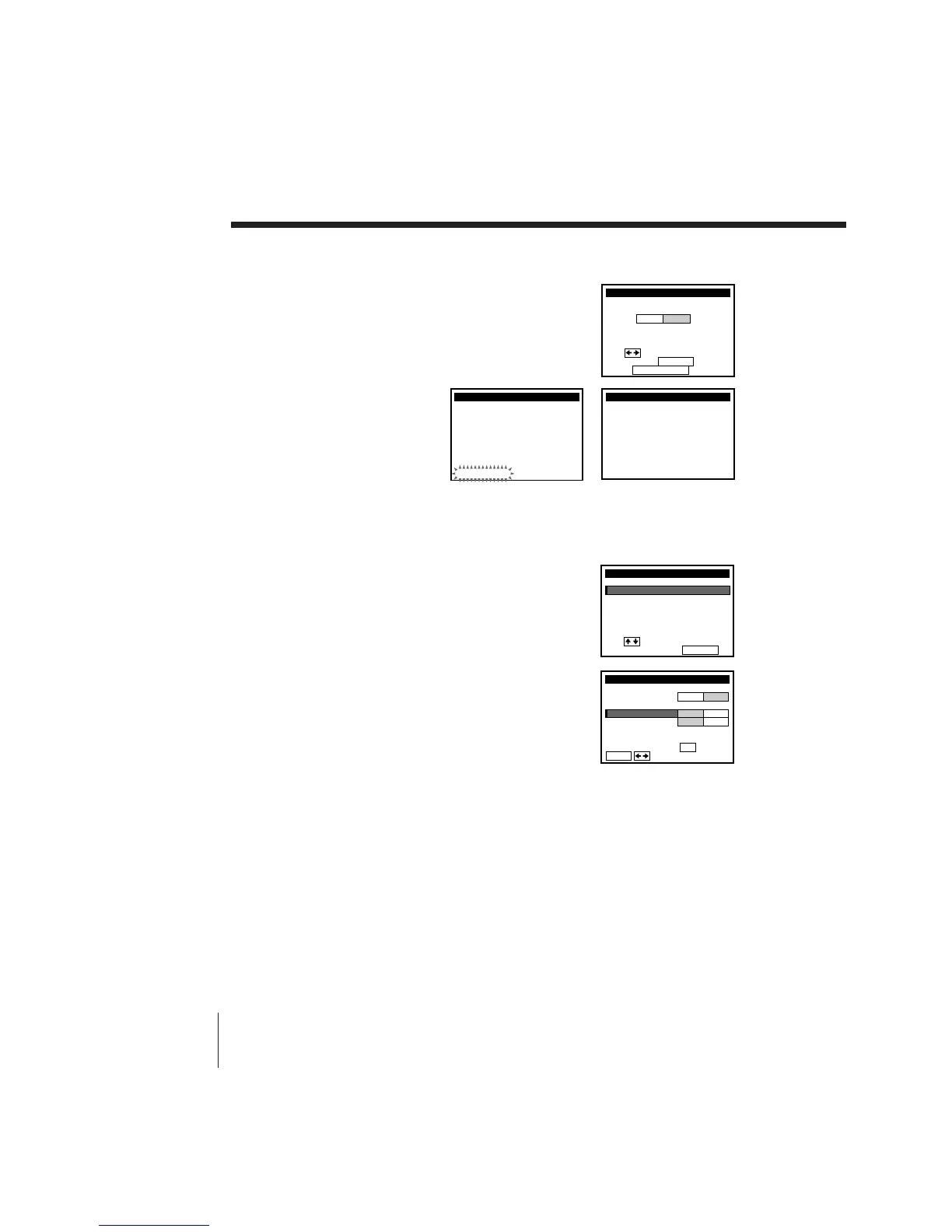
5 The TUNER PRESET menu appears. Set
ANTENNA/CABLE to CABLE and press
EXECUTE. For details, see page 43.
6 The AUTO PRESET
starts.
Step 3: Hookups (continued)
SET UP
ANTENNA / CABLE
TUNER PRESET
Use t o se l ec t
Then p us h EXECUTE
Push
EASY SET UP
to quit
ANT
CABLE
/
4
Preset the cable box output channel (usually 2, 3, or 4). For details, see
page 38.
1 Press MENU and select TUNER PRESET.
2 Enter the cable box output channel. Set
MANUAL SET to ADD and press EXECUTE.
MENU
ADVANCED OPTIONS
CLOCK SET
TUNER PRESET
TIMER SET / CHECK
LANGUAGE
CABLE BOX CONTROL
i
U
se to se lec t an
t em, t he n push EXECUTE
SET VCR Plus+ CHANNELS
TUNER PRESET
FINE TUNING
AFT
MANUAL SET
AUTO PRESET
ANT CABLE
ADD ERASE
ON OFF
CH3
ANTENNA / CABLE
ENTER.
Sel CH wi th
0–9
ec t P
ush
t o ADD / ERASE



 To Next Page