Basic Operations52
SLV-975HF 3-858-120-11 (1)
Basic Operations
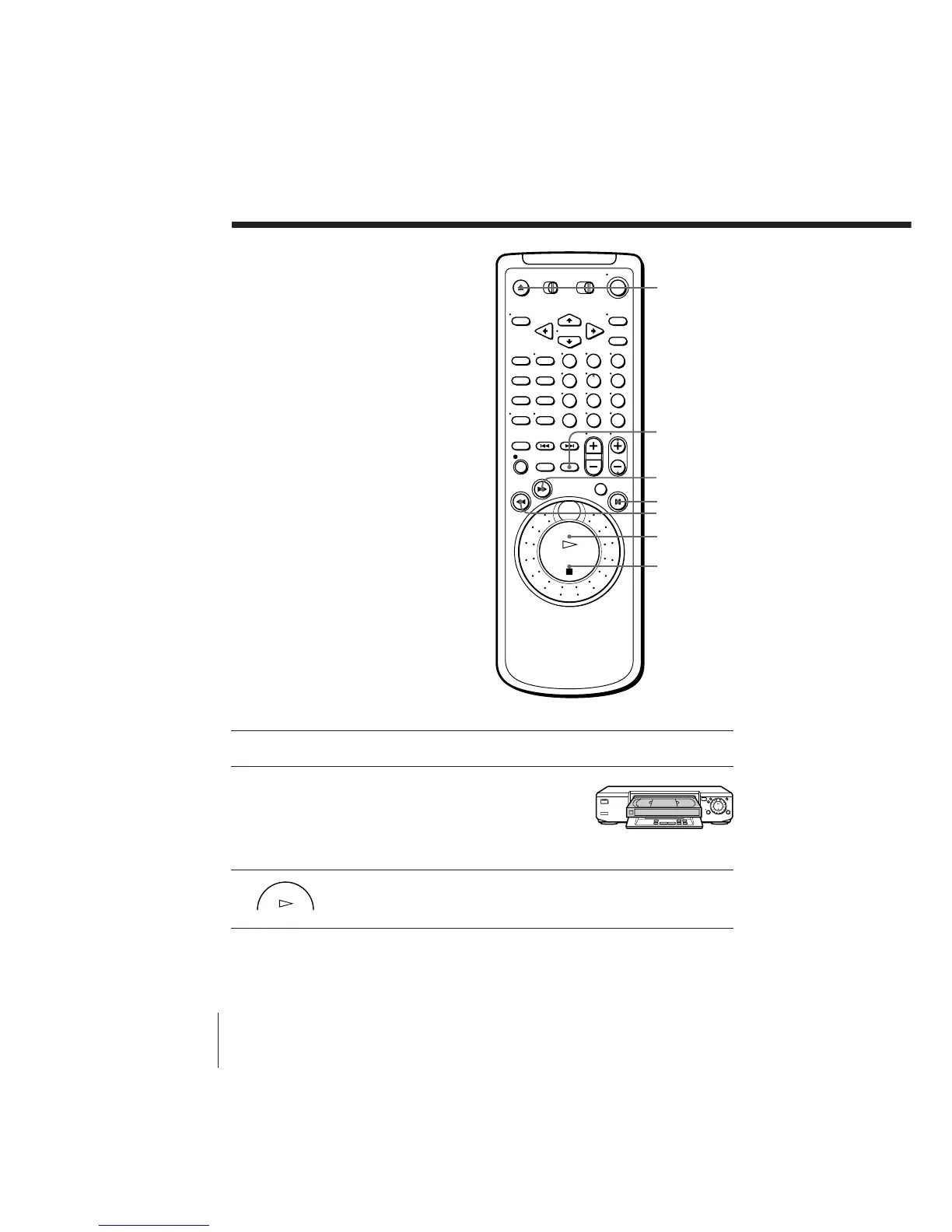
Playing a tape
1 Turn on your TV and set it to the video channel.
2 Open the drop down panel and insert a
tape.
The VCR turns on and starts playing
automatically if you insert a tape with its
safety tab removed.
3 Press · PLAY.
When the tape reaches the end, it will rewind automatically.
123
456
789
0
6 EJECT
P PAUSE
· PLAY
p STOP
) FF
0 REW
SMART CUE
PLAY



 To Next Page