Additional Operations70
SLV-975HF 3-858-120-11 (1)
Searching using
the index
function
The VCR marks the tape with an index
signal at the point where each recording
begins. Use these signals as references
to find a specific recording. The VCR
can search up to 99 index signals ahead
of or behind the current position.
1 Insert an indexed tape into the VCR.
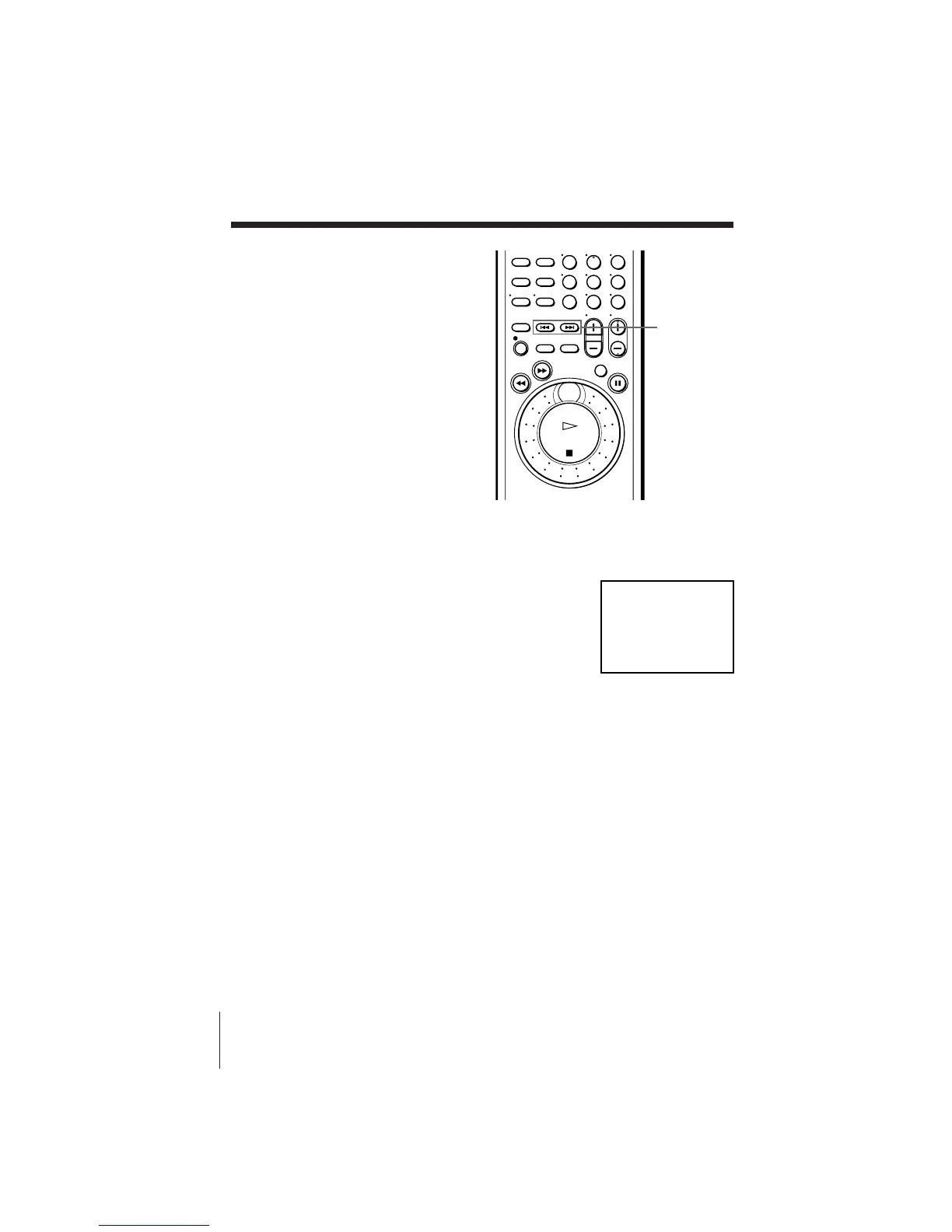
2 Press =/+ INDEX SEARCH repeatedly to specify how many
index signals ahead or behind you want to search:
• To search ahead, press + INDEX SEARCH.
• To search backwards, press
= INDEX SEARCH.
The VCR starts searching and the index
number on the TV screen counts down to zero.
Playback starts automatically from that point.
To stop searching
Press p STOP.
456
789
0
=/+
INDEX
SEARCH



 To Next Page