59Basic Operations
Basic Operations
SLV-975HF 3-858-120-11 (1)
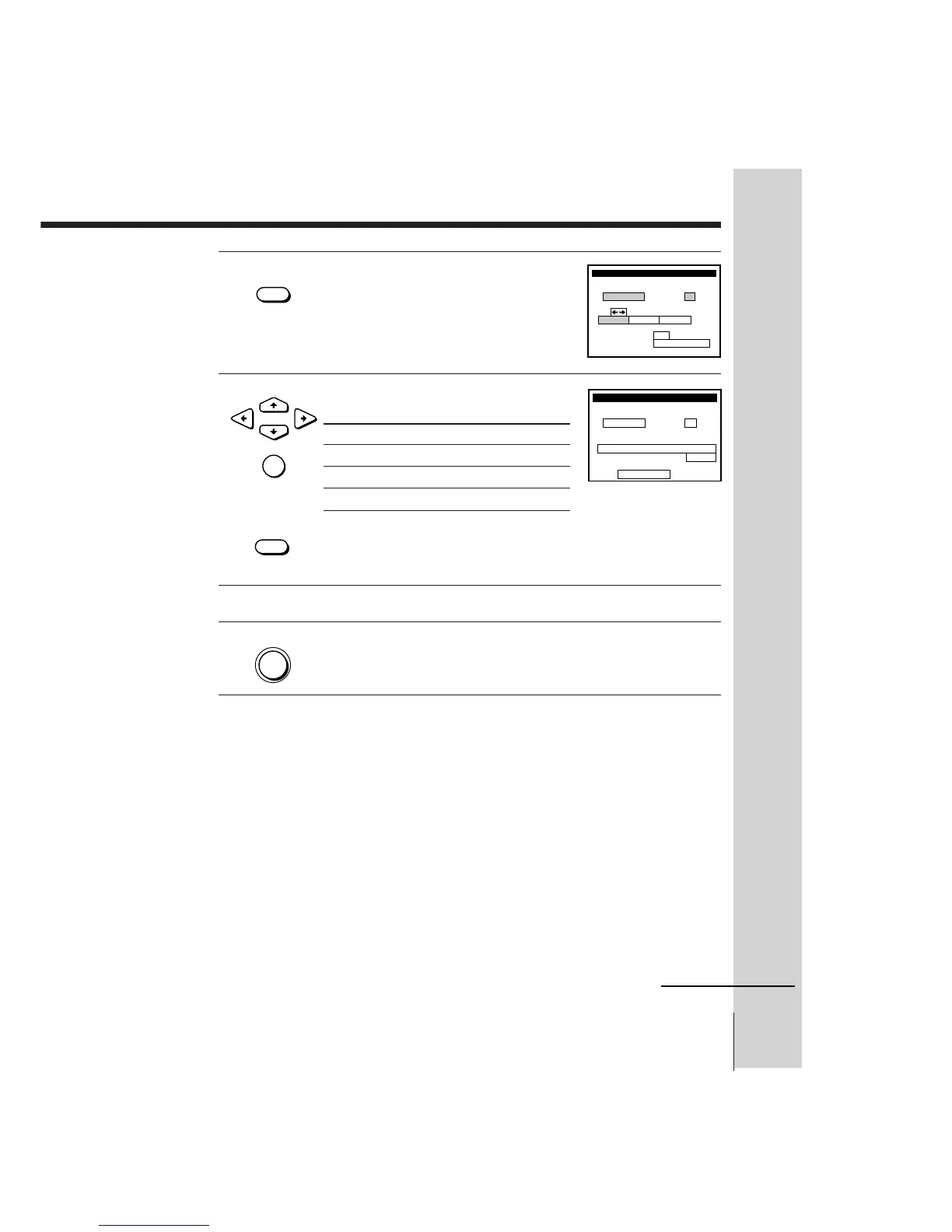
3 Press TAPE SPEED to select SP or EP.
4 Select ONCE, DAILY, or WEEKLY by
using CURSOR ?//, then press SET:
The date, start and stop times, channel number and tape speed
appear on the TV screen. If the information is not correct, press
TIMER CLEAR to cancel the setting.
5 To enter another setting, repeat steps 1 to 4.
6 Press POWER to turn off the VCR.
The TIMER indicator on the VCR lights up and the VCR stands by
for recording. When using a cable box, leave it on.
To stop recording
To stop the VCR while recording, press p STOP.
To use the VCR after setting the timer
To use the VCR before a timer recording begins, just press POWER. The
“TIMER” indicator turns off and the VCR switches on. Remember to press
POWER to reset the VCR in timer recording standby after using the VCR.
You can also do the following tasks while the VCR is recording:
• Reset the counter.
• Display tape information on the TV screen.
• Check the timer settings.
• Watch another TV program.
TAPE
• SPEED
•
CURSOR



 To Next Page