Getting Started
41Getting Started
SLV-975HF 3-858-120-11 (1)
123
456
789
0
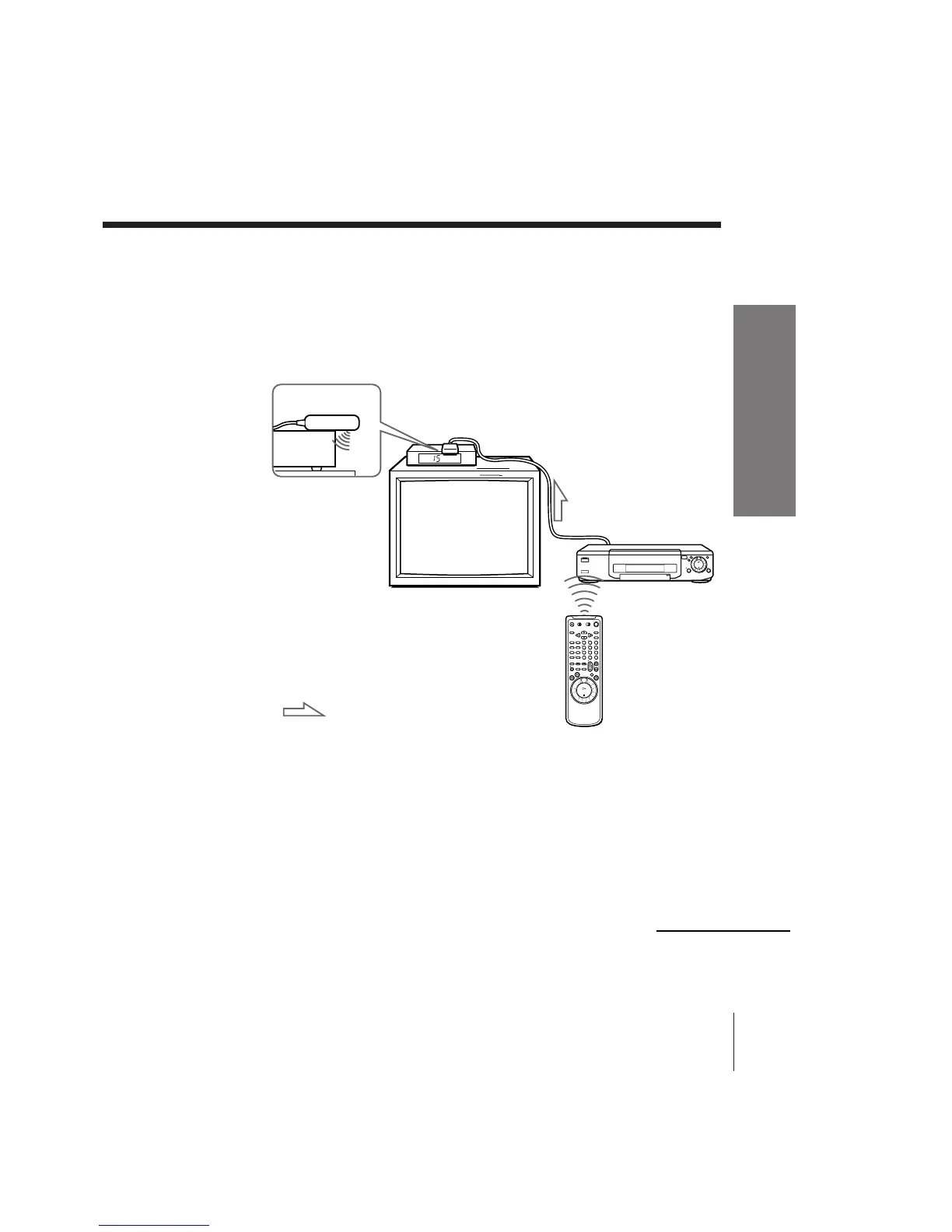
To ensure correct operation
• Place the Cable Mouse so that it hangs out over the cable box/DSS
receiver front.
• Do not place the cable box/DSS receiver on top of the VCR.
• Position the cable box/DSS receiver away from the VCR.
• Point the remote commander at the VCR, not at the cable box/DSS
receiver.
Side view
To check the cable box control setting
1 Press CH +/– on the remote commander. Does the channel indicator on
the cable box/DSS receiver change? (Point the remote commander at
the VCR, not at the cable box/DSS receiver.)
2 Press all 10 number buttons (0 to 9) on the remote commander. Does the
channel indicator on the cable box/DSS receiver change?
If the answer to both 1 and 2 is “yes,” you have made the correct setting.



 To Next Page