Getting Started
9Getting Started
SLV-975HF 3-858-120-11 (1)
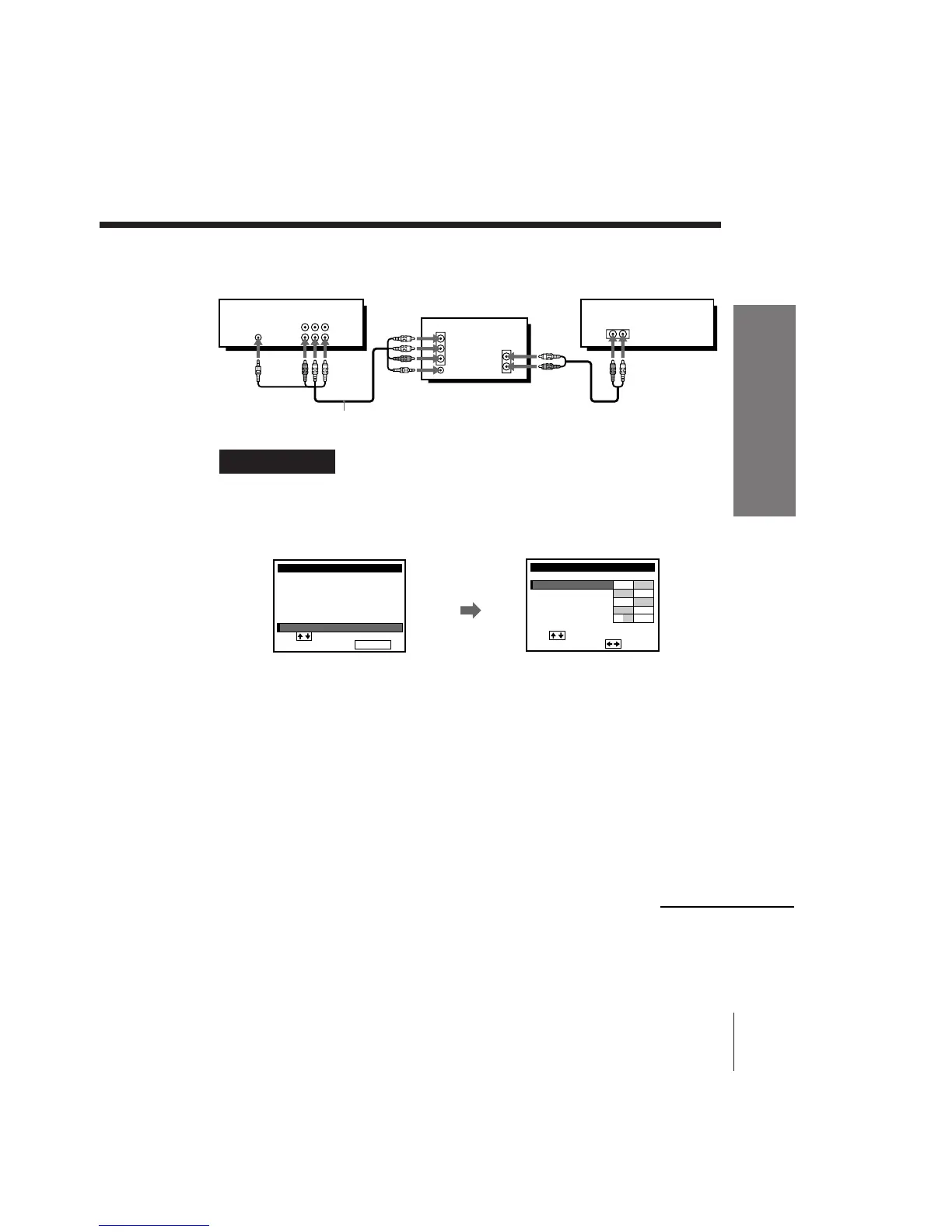
C Use this hookup if your TV has the S-Link function
A/V hookup: VCR setup
VCR
After you’ve connected your TV and completed antenna or cable hookup,
use the following procedure to set up the VCR.
Caution
Connections between the VCR’s VHF/UHF connector and the antenna terminals of
the TV receiver should be made only as shown in the following instructions. Failure to
do so may result in operation that violates the regulations of the Federal
Communications Commission regarding the use and operation of RF devices. Never
connect the output of the VCR to an antenna or make simultaneous (parallel) antenna
and VCR connections at the antenna terminals of your receiver.
Note to CATV system installer (in USA)
This reminder is provided to call the CATV system installer’s attention to Article 820-
40 of the NEC that provides guidelines for proper grounding and, in particular,
specifies that the cable ground shall be connected to the grounding system of the
building, as close to the point of cable entry as practical.
Press MENU and select
ADVANCED OPTIONS.
Set AUTO ANT SEL to
OFF and press EXECUTE.
For details, see page 72.
AUDIO VIDEO
LINE-1 IN
LINE OUTS-LINK
IN
VIDEO
AUDIO
AUDIO OUT
AUX IN
S-LINK
Stereo receiver
Audio/video cable (supplied)
MENU
ADVANCED OPTIONS
CLOCK SET
TUNER PRESET
TIMER SET / CHECK
LANGUAGE
CABLE BOX CONTROL
i
U
se to se l ec t an
t em, t he n push EXECUTE
SET VCR Plus+ CHANNELS
continued



 To Next Page