Getting Started
25
US
Setting the clock
Note
• The clock display appears when VIDEO mode is selected with no tape inserted or when the
DVD-VCR is turned off.
3
Press V/v to select “Manual”, then press
ENTER.
4
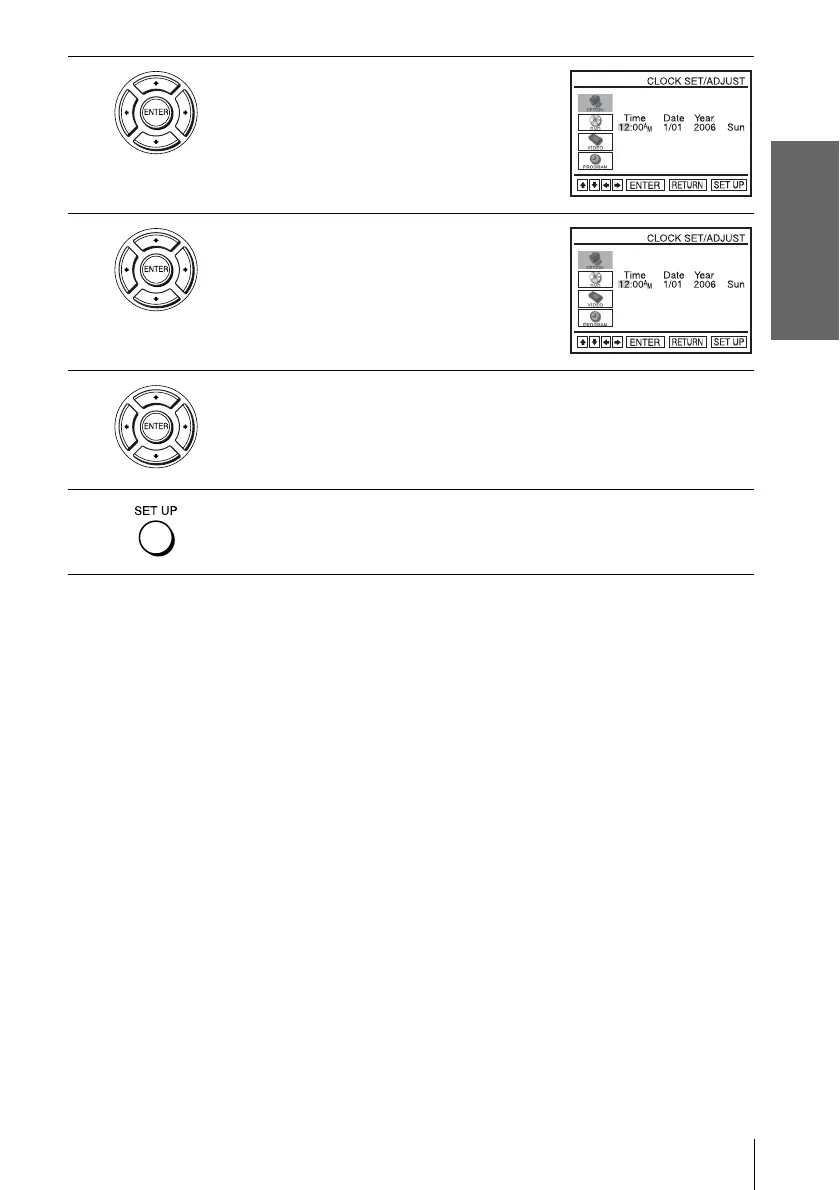
Set the hour, minutes, month, day and year in
sequence by pressing B/b to select the item to
be set, and press V/v to select the digits.
The day of the week is set automatically.
5
Press ENTER to confirm the setting.
6
Press SET UP to exit the menu.



 To Next Page