52
US
Checking/changing/canceling timer settings
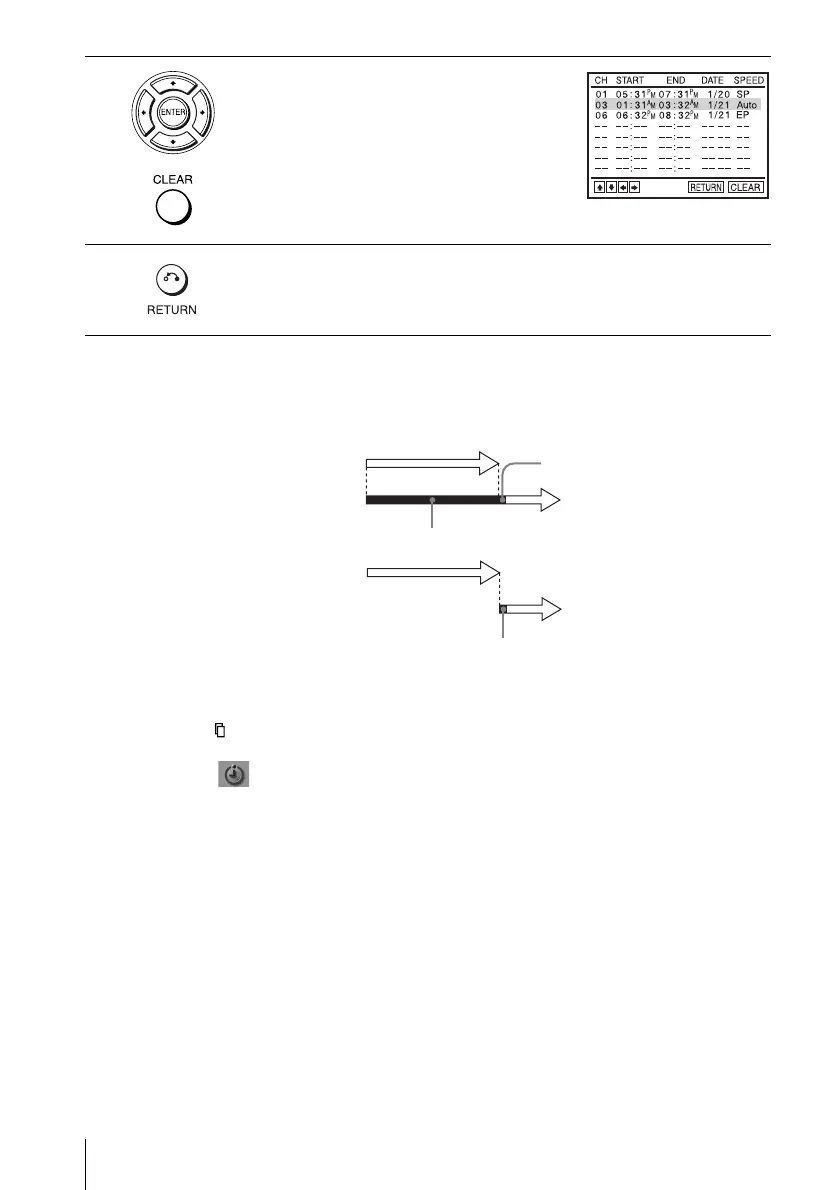
When the timer settings overlap
The program that starts first has priority and the second program starts recording only
after the first program has finished. If the programs start at the same time, the
program listed first in the menu has priority.
Tips
• If the indicator appears, the timer settings overlap.
• You can also display the timer programming menu by first pressing SET UP, then V/v to
select (PROGRAM) and pressing ENTER in step 2.
3
Press V/v to select setting you want to change
or cancel.
• To change the setting, press B/b to select
the item you want to change, and press V/v
to change it.
• To cancel the setting, press CLEAR.
4
Press O RETURN to confirm the setting.
Press O RETURN again to exit the menu.
Program 1
Program 2
about 20 seconds will be cut off
Program 1
Program 2
about 20 seconds
will be cut off














 To Next Page