VCR Additional Operations
95
US
Changing menu options
Menu choices
The default settings are indicated in bold print.
4
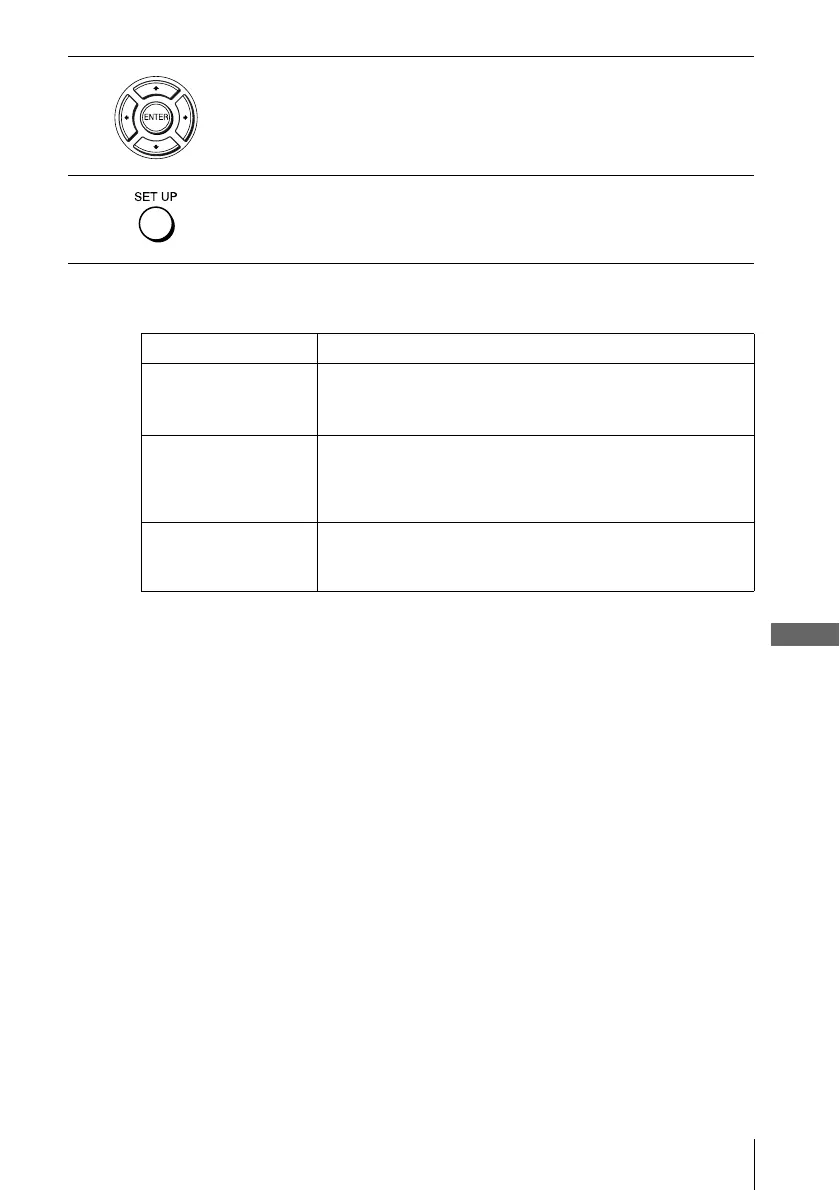
Press B/b to change the setting.
5
Press SET UP to exit the menu.
Menu option Set this option to
Tape Length • T-120 when using a T-120 or shorter length tape.
• T-160 when using a T-160 length tape.
• T-180 when using a T-180 or longer length tape.
Auto Play • On to start playback automatically, when you insert a tape with
its safety tab removed.
• Off to turn off Auto play. You need to press H PLAY to start
playback, even if you insert a tape with its safety tab removed.
Auto Repeat • On to play back a tape repeatedly. The VCR rewinds a tape to
the beginning and restarts playback automatically.
• Off to turn off Auto repeat.














 To Next Page