EasyManua.ls Logo

Sony SPP-A250 - Page 21

Sony SPP-A250
86 pages
Print Icon
To Next Page IconTo Next Page
To Previous Page IconTo Previous Page
Loading...
Memory
dialing
You
can
store
the
numbers
you
frequently
call
into
the
memory
so
that
you
can
dial
a
number
with
the
touch
of
two
buttons.
While
storing
a
number,
you
cannot
receive
calls.
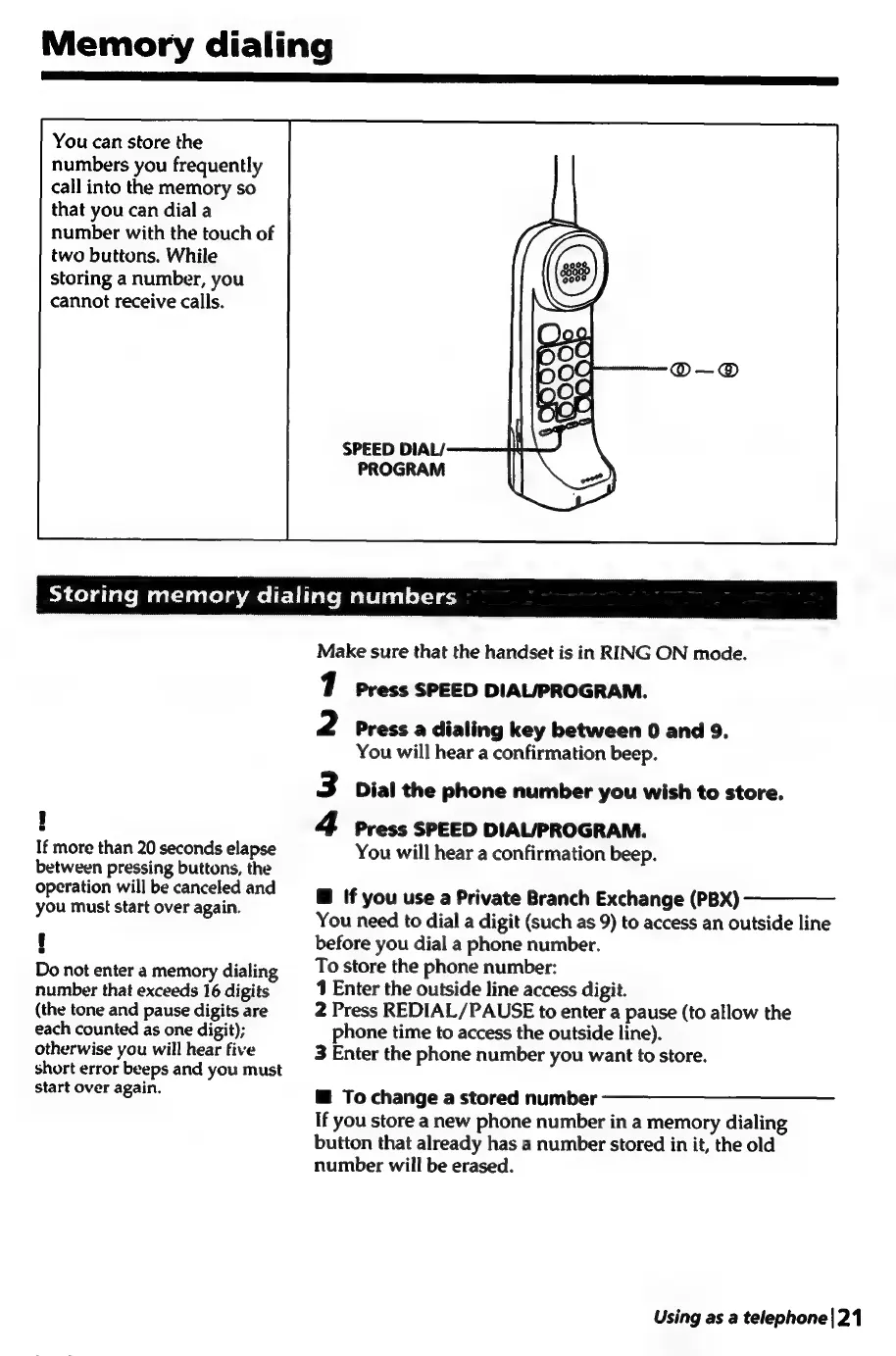
PROGRAM
Storing
memory
dialing
numbers
If
more
than
20
seconds
elapse
between
pressing
buttons,
the
operation
will
be
canceled
and
you
must
start
over
again.
t
Do
not
enter
a
memory
dialing
number
that
exceeds
16
digits
(the
tone
and
pause
digits
are
each
counted
as
one
digit);
otherwise
you
will
hear
five
short
error
beeps
and
you
must
start
over
again.
Make
sure
that
the
handset
is
in
RING
ON
mode.
Press
SPEED
DIAL/PROGRAM.
2
Press
a
dialing
key
between
0
and
9.
You
will
hear
a
confirmation
beep.
Dial
the
phone
number
you
wish
to
store.
4
Press
SPEED
DIAL/PROGRAM.
You
will
hear
a
confirmation
beep.
@
If
you
use
a
Private
Branch
Exchange
(PBX)
You
need
to
dial
a
digit
(such
as
9)
to
access
an
outside
line
before
you
dial
a
phone
number.
To
store
the
phone
number:
1
Enter
the
outside
line
access
digit.
2
Press
REDIAL/PAUSE
to
enter
a
pause
(to
allow
the
phone
time
to
access
the
outside
line).
3
Enter
the
phone
number
you
want
to
store.
@
To
change
a
stored
number
If
you
store
a
new
phone
number
in
a
memory
dialing
button
that
already
has
a
number
stored
in
it,
the
old
number
will
be
erased.
Using
as
a
telephone|21

Table of Contents

Related product manuals