EasyManua.ls Logo

Sony SPP-A250 - Setting Your Security Code; Operating the Answering Machine from a Touch-Tone; Operating the Answering Machine from a Touch-Tone Phone; Remote Control Functions

Sony SPP-A250
86 pages
Print Icon
To Next Page IconTo Next Page
To Previous Page IconTo Previous Page
Loading...
Operating
the
answering
machine
from
a
touch-tone
phone
eT
-sadialemcelelart-tallab
a
maore
(=)
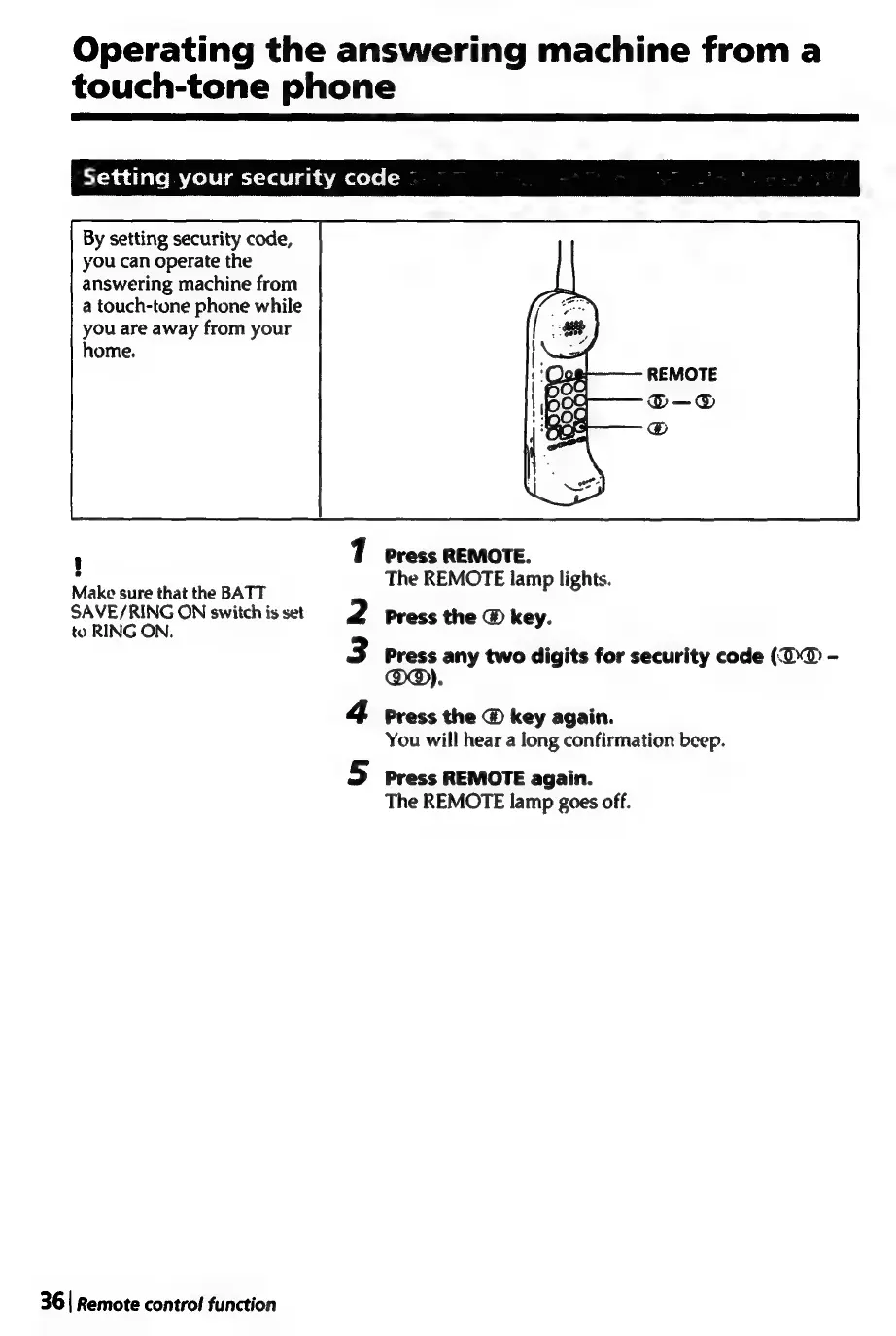
By
setting
security
code,
you
can
operate
the
answering
machine
from
a
touch-tone
phone
while
you
are
away
from your
home.
i]
Press
REMOTE.
Make
sure
that
the
BATT
The
REMOTE
lamp
lights.
SAVE/RING
ON
switch
is
set
to
RING
ON.
Press
the
@
key
Press
any
two
digits
for
security
code
(@@
-
°
Press
the
@
key
again.
You
will
hear
a
long
confirmation
beep.
wm
A
WN
a
Press
REMOTE
again.
The
REMOTE
lamp
goes
off.
36
|
Remote
control
function

Table of Contents

Related product manuals