EasyManua.ls Logo

Sony SPP-A250 - Recording a Telephone Conversation

Sony SPP-A250
86 pages
Print Icon
To Next Page IconTo Next Page
To Previous Page IconTo Previous Page
Loading...
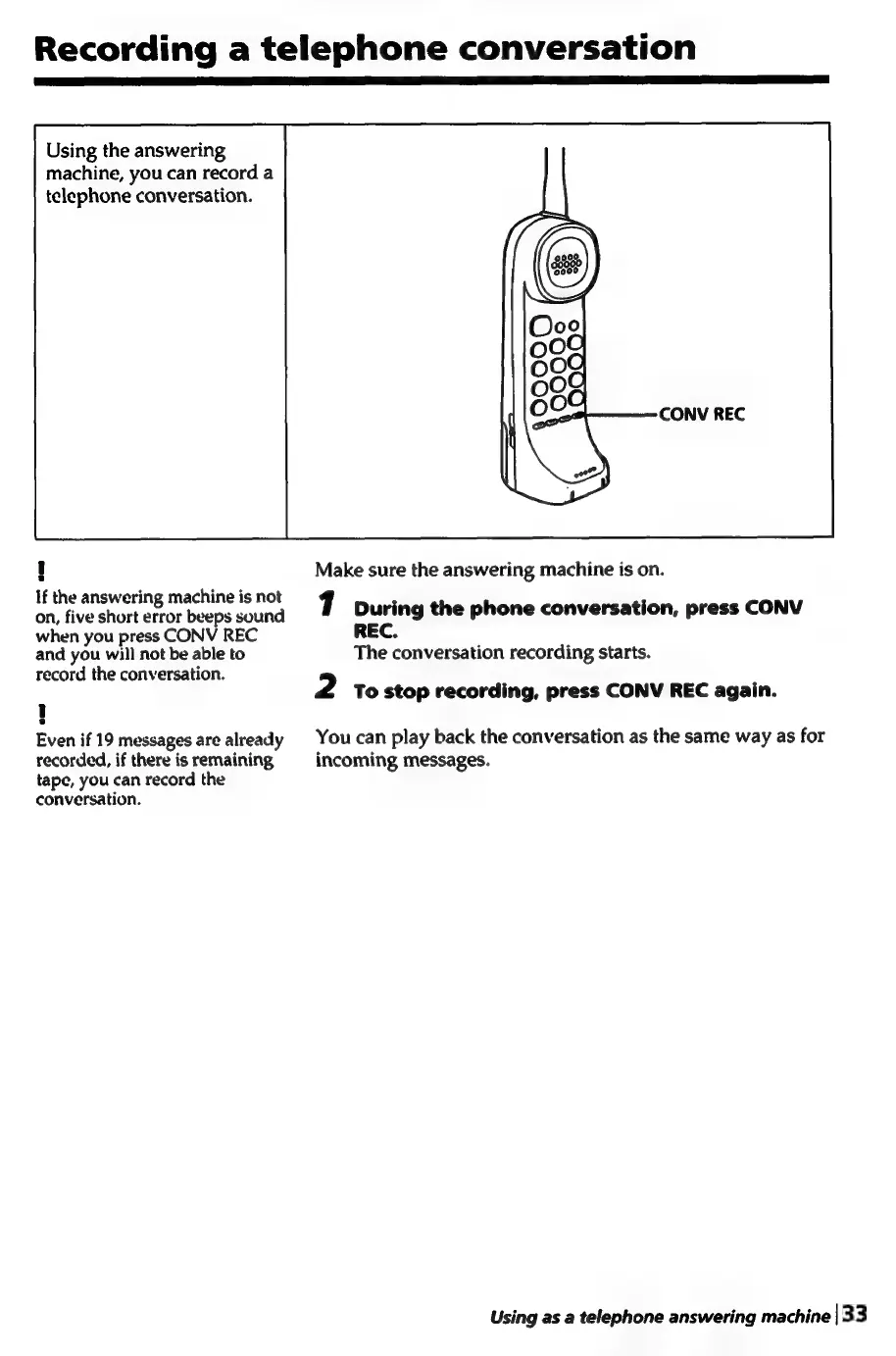
Recording
a
telephone
conversation
Using
the
answering
machine,
you
can
record
a
telephone
conversation.
If
the
answering
machine
is
not
on,
five
short
error
beeps
sound
when
you
press
CONV
REC
and
you
will
not
be
able
to
record
the
conversation.
e
Even
if
19
messages
are
already
recorded,
if
there
is
remaining
tape,
you
can
record
the
conversation.
Make
sure
the
answering
machine
is
on.
y
|
During
the
phone
conversation,
press
CONV
REC.
The
conversation
recording
starts.
2
To
stop
recording,
press
CONV
REC
again.
You
can
play
back
the
conversation
as
the
same
way
as
for
incoming
messages.
Using
as
a
telephone
answering
machine
|
33

Table of Contents

Related product manuals