EasyManua.ls Logo

Sony SPP-A250 - Erasing Messages

Sony SPP-A250
86 pages
Print Icon
To Next Page IconTo Next Page
To Previous Page IconTo Previous Page
Loading...
@
To
fast
forward
the
tape
First
stop
the
tape
and
then
press
SKIP/FF
PP.
B
To
rewind
the
tape
—_—_—___—_—_—_-
First
stop
the
tape
and
then
press
REPEAT/REW
K€.
—@
To
play
back
the
messages
you
have
listened
a
1
Turn
off
the
answering
machine
by
pressing
ANSWER.
2
Rewind
the
tape
by
pressing
REPEAT/REW
I.
3
Press
PLAY/STOP
B>
@
to
stop
the
tape.
¢
To
play
back,
press
PLAY/STOP
>
@.
¢
To
stop
playback,
press
PLAY/STOP
B>
Mf.
¢
To
fast
forward
the
tape,
press
SKIP/FF
PP.
Erasing
messages
If
there
are
messages
which
have
not
been
played
back
yet,
you
will
hear
five
short
error
beeps
and
the
tape
does
not
rewind.
The
tape
should
be
reset
if
messages
do
not
need
to
be
saved.
This
will
speed
up
new
message
playback.
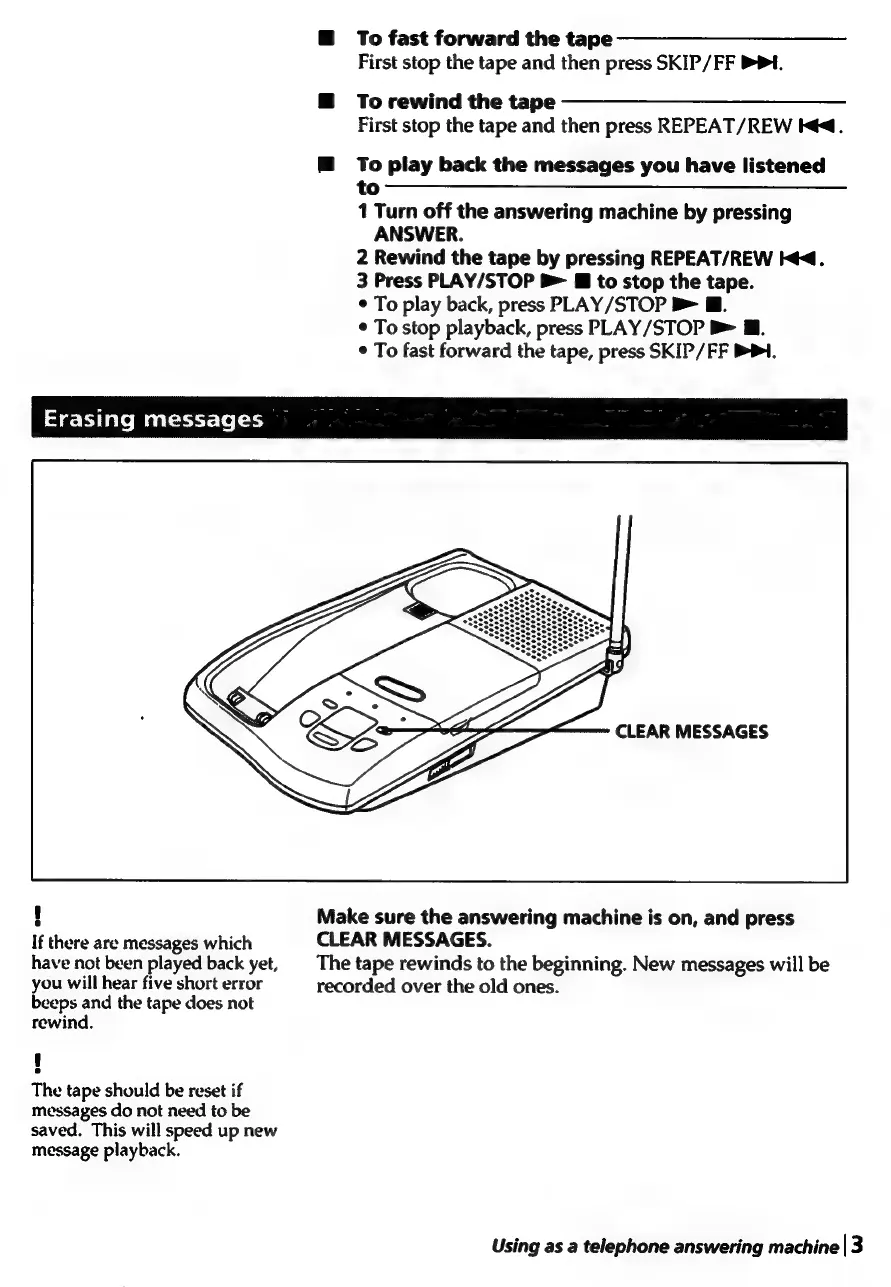
Make
sure
the
answering
machine
is
on,
and
press
CLEAR
MESSAGES.
The
tape
rewinds
to
the
beginning.
New
messages
will
be
recorded
over
the
old
ones.
Using
as
a
telephone
answering
machine
|3

Table of Contents

Related product manuals