EasyManua.ls Logo

Sony SPP-A250 - Screening Calls

Sony SPP-A250
86 pages
Print Icon
To Next Page IconTo Next Page
To Previous Page IconTo Previous Page
Loading...
Screening
calls
You
can
screen
calls
by
leaving
the
answering
machine
on
while
you
are
at
home.
When
a
call
is
answered,
you
can
hear
the
message
being
recorded
through
the
base
unit
or
through
the
cordless
handset.
You
can
then
decide
either
to
continue
recording,
or
to
switch
to
conversation.
If
the
RING
ON/BATT
SAVE
switch
is
set
to
BATT
SAVE,
the
TALK
lamp
and
the
REMOTE
lamp
will
not
flash,
and
only
five
short
error
beeps
will
sound
when
you
press
REMOTE.
Make
sure
that
the
answering
machine
is
in
normal
answering
mode
(see
page
25).
@
On
the
base
unit
When
a
call
is
answered,
the
base
unit's
speaker
will
be
turned
on
automatically,
and
you
will
be
able
to
hear
the
caller
recording
the
message.
The
caller
cannot
hear
you.
If
you
decide
to
talk
to
the
caller,
press
TALK
on
the
cordless
handset.
@
On
the
cordiess
handset
To
screen
a
call,
the
RING
ON/BATT
SAVE
switch
must
be
set
to
RING
ON.
When
the
base
unit
is
answering
an
incoming
call,
the
TALK
lamp
and
the
REMOTE
lamp
will
flash
on
the
cordless
handset.
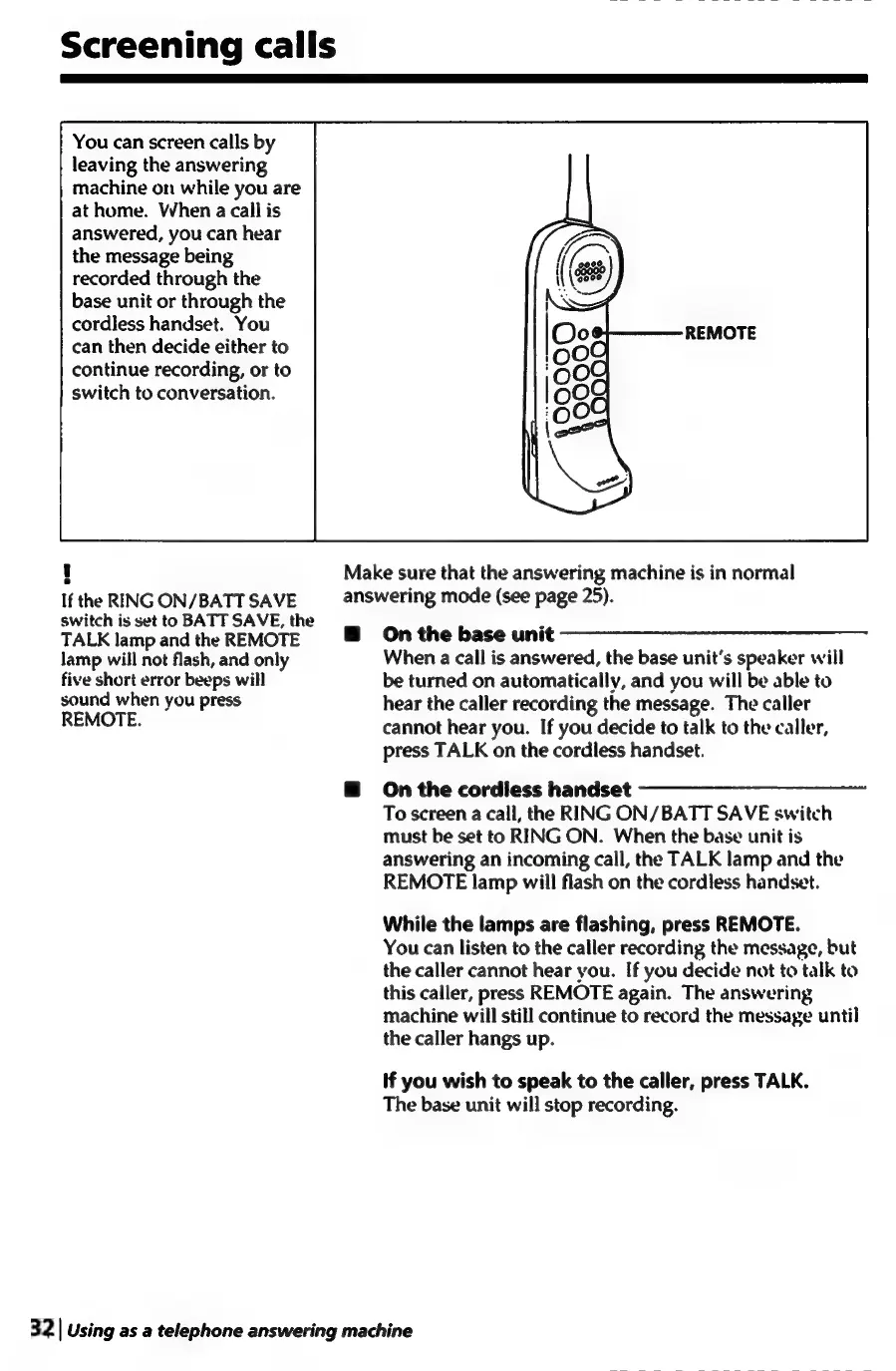
While
the
lamps
are
flashing,
press
REMOTE.
You
can
listen
to
the
caller
recording
the
message,
but
the
caller
cannot
hear
you.
If
you
decide
not
to
talk
to
this
caller,
press
REMOTE
again.
The
answering
machine
will
still
continue
to
record
the
message
until
the
caller
hangs
up.
If
you
wish
to
speak
to
the
caller,
press
TALK.
The
base
unit
will
stop
recording.
32
|
Using
as
a
telephone
answering
machine

Table of Contents

Related product manuals