EasyManua.ls Logo

Sony SPP-A250 - Setting the Date and Time (SPP-A450 Only)

Sony SPP-A250
86 pages
Print Icon
To Next Page IconTo Next Page
To Previous Page IconTo Previous Page
Loading...
=>
Preparing
the
answering
machine
Setting
the
date
and
time
(SPP-A450
only)
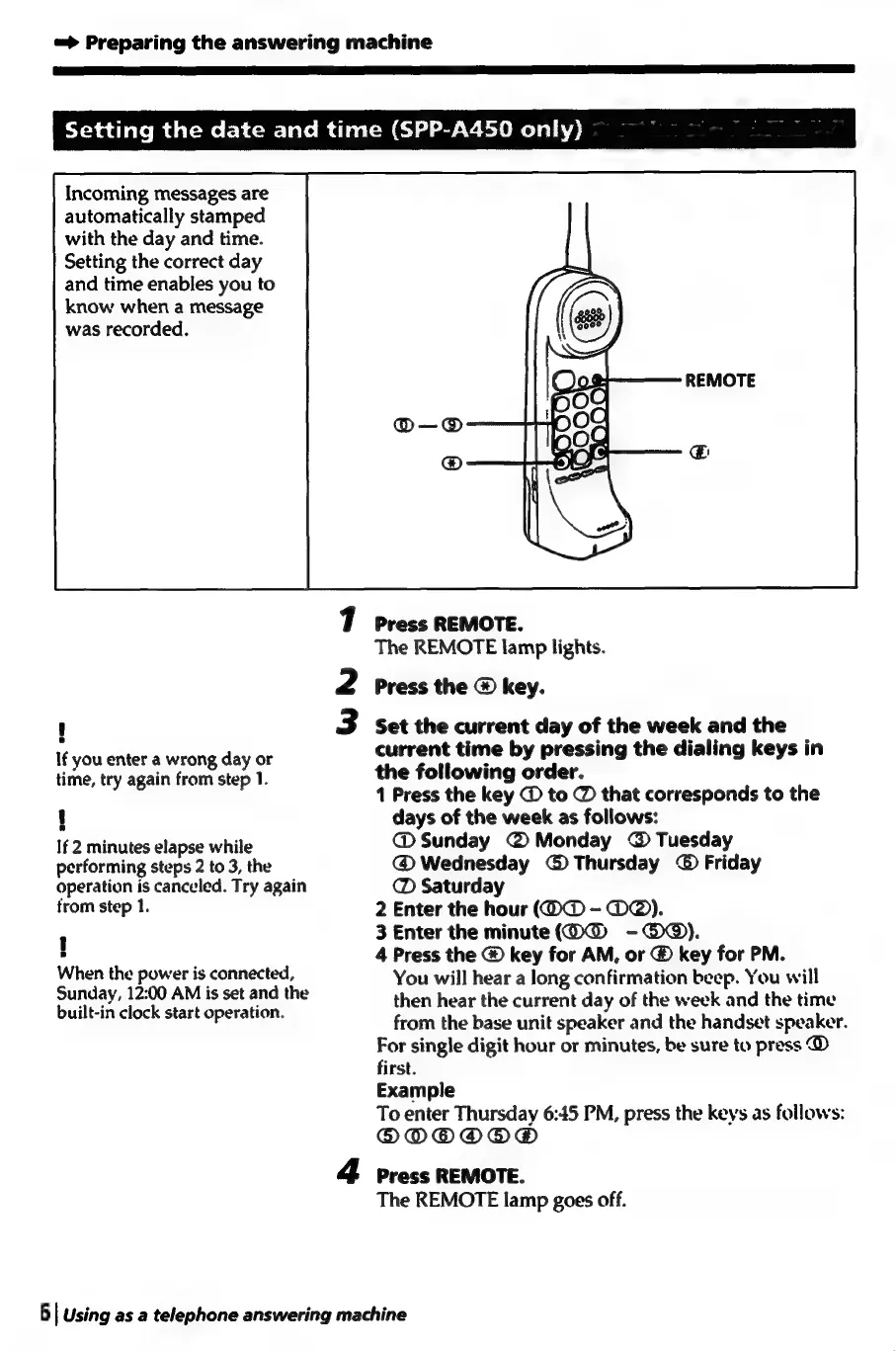
Incoming
messages
are
automatically
stamped
with
the
day
and
time.
Setting
the
correct
day
and
time
enables
you
to
know
when
a
message
was
recorded.
7
press
REMOTE.
The
REMOTE
lamp
lights.
2
Press
the
®
key.
!
3
Set
the
current
day
of
the
week
and
the
If
you
enter
a
wrong
day
or
current
time
by
pressing
the
dialing
keys
in
time,
try
again
from
step
1.
the
following
order.
1
Press
the
key
@
to
@
that
corresponds
to
the
{
days
of
the
week
as
follows:
If
2
minutes
elapse
while
@
Sunday
@Monday
@
Tuesday
performing
steps
2
to
3,
the
@
Wednesday
©
Thursday
©
Friday
operation
is
canceled.
Try
again
@
Saturday
trom
step
1.
2
Enter
the
hour
(O@
-
O@).
1
3
Enter
the
minute(@W@®
-@@®).
,
4
Press
the
@
key
for
AM,
or
@
key
for
PM.
When
the
power
is
connected,
You
will
hear
a
long
confirmation
beep.
You
will
Sunday,
12:00
AM
is
set
and
the
built-in
clock
start
operation.
then
hear
the
current
day
of
the
week
and
the
time
from
the
base
unit
speaker
and
the
handset
speaker.
For
single
digit
hour
or
minutes,
be
sure
to
press
@
first.
Example
To
enter
Thursday
6:45
PM,
press
the
keys
as
follows:
®ODODO@OO®
4
press
REMOTE.
The
REMOTE
lamp
goes
off.
6
|
Using
as
a
telephone
answering
machine

Table of Contents

Related product manuals