EasyManua.ls Logo

Sony SPP-A250 - Page 23

Sony SPP-A250
86 pages
Print Icon
To Next Page IconTo Next Page
To Previous Page IconTo Previous Page
Loading...
Operating
the
phone
during
calls
Using
“call
waiting”
service
If
you
have
subscribed
to
“call
waiting”
service,
you
can
continue
receiving
calls
while
talking
on
the
cordless
handset.
When
a
new
call
comes
in,
you
can
put
the
current
call
on
hold
and
switch
to
the
new
call.
!
7
when
a
new
call
comes
in
while
you
are
If
you
have
not
subscribed
to
talking,
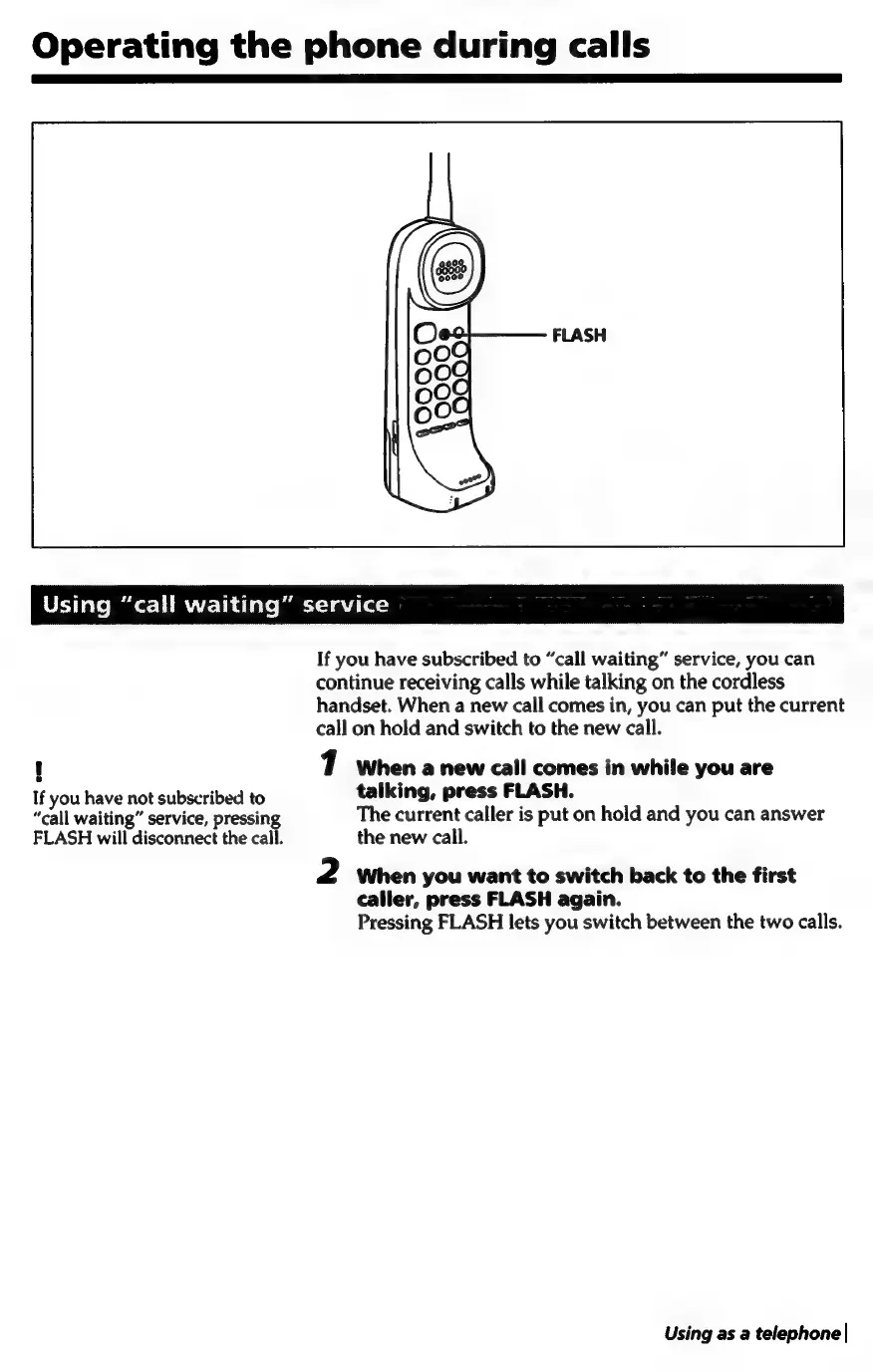
press
FLASH.
“call
waiting”
service,
pressing
The
current
caller
is
put
on
hold
and
you
can
answer
FLASH
will
disconnect
the
call.
the
new
call.
2
When
you
want
to
switch
back
to
the
first
caller,
press
FLASH
again.
Pressing
FLASH
lets
you
switch
between
the
two
calls.
Using
as
a
telephone
|

Table of Contents

Related product manuals