Help Guide
Multi Channel AV Receiver
STR-AZ1000ES
Playing AV devices
You can connect AV devices to the unit to enjoy a wide range of content such as movies and audio.
Note
Before you turn off the unit, be sure to turn down the volume level. Otherwise, the next time you turn on the unit, sound may be output at a high
volume level and damage your speakers.
Hint
You can select the device you want by turning INPUT SELECTOR on the unit or pressing the input buttons on the remote control.
To turn the volume up or down quickly, perform the following:
Turn the MASTER VOLUME knob on the unit quickly.
Press and hold one of the
(volume) +/– buttons.
To adjust the volume, perform the following:
Turn on the device you want to play.
1
Turn the TV on, and then switch the input of the TV to the HDMI input to which the unit is connected.
2
Turn on the unit.
3
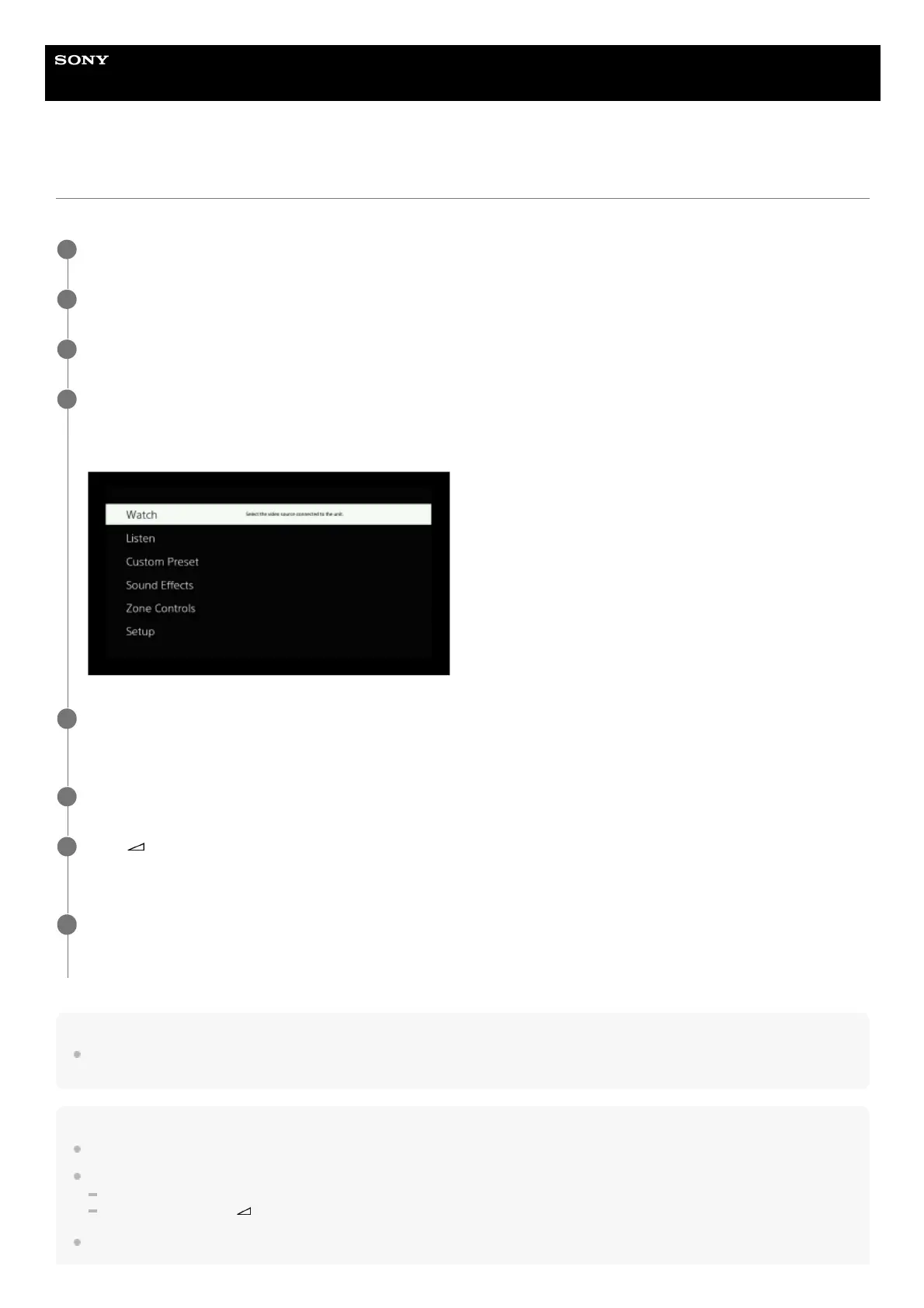
Press HOME.
The home menu is displayed on the TV screen.
Depending on the TV, the home menu may take some time to appear on the TV screen.
4
Select [Watch] or [Listen] from the home menu.
The menu item list appears on the TV screen.
5
Select the device you want to play and start playback.
6
Press
(volume) +/– to adjust the volume.
You can also use MASTER VOLUME on the unit.
7
Press 2CH/MULTI, MOVIE or MUSIC to enjoy the surround sound.
You can also use 2CH/MULTI, MOVIE or MUSIC on the unit.
8











 To Next Page