Help Guide
Multi Channel AV Receiver
STR-AZ1000ES
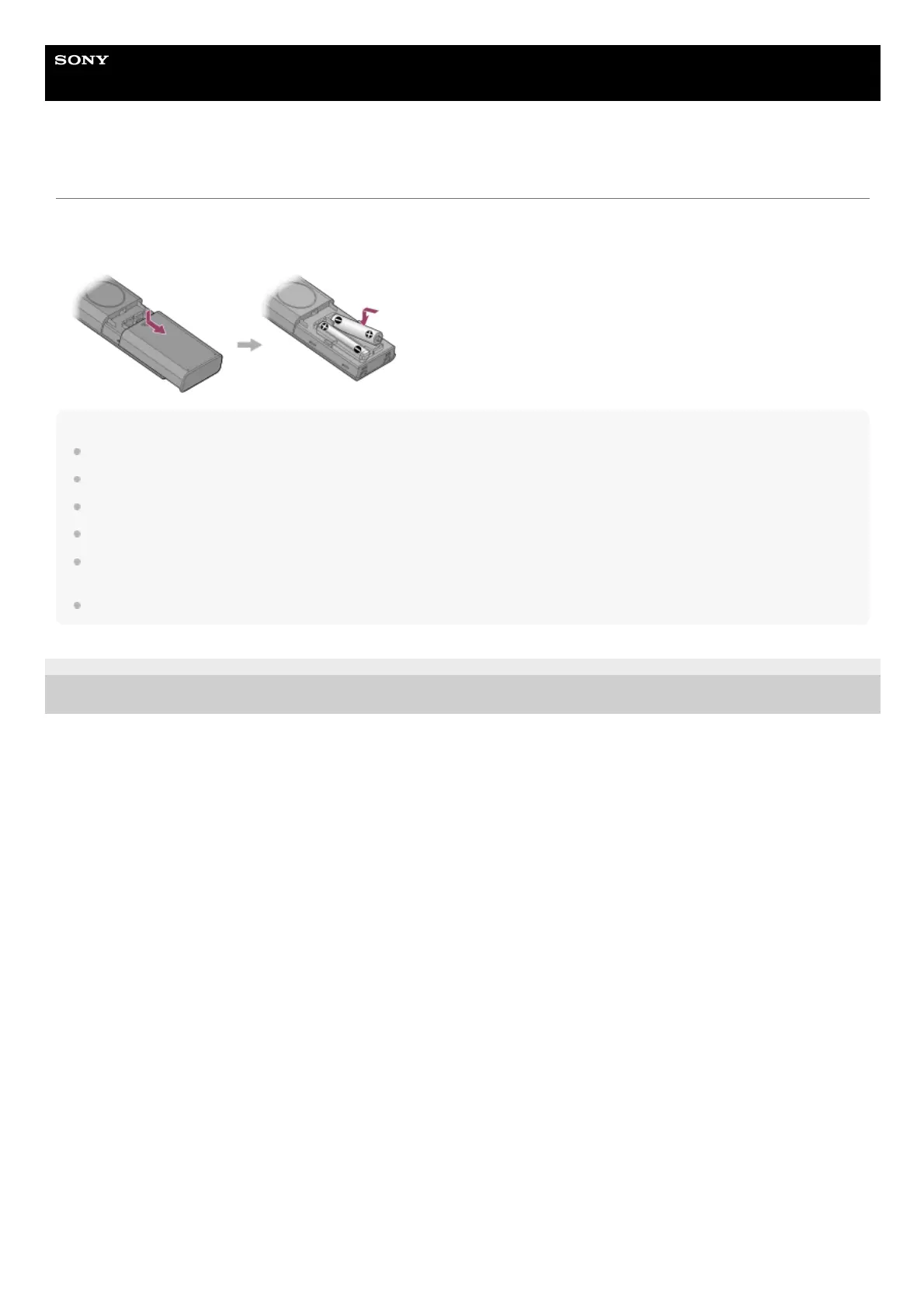
Inserting batteries into the remote control
Slide and open the battery compartment cover, and then insert two R03 (size AAA) batteries (supplied) into the remote control. Make sure
that the + and - ends are in the correct position when installing batteries.
Note
Do not leave the remote control in an extremely hot or humid place.
Do not use a new battery with an old one.
Do not mix manganese batteries with other kinds of batteries.
Do not expose the remote control sensor to direct sunlight or lights. Doing so may cause a malfunction.
If you do not intend to use the remote control for an extended period of time, remove the batteries to avoid possible damage from battery leakage and
corrosion.
When the unit no longer responds to the remote control, replace both of the batteries with new ones.
5-037-020-11(1) Copyright 2022 Sony Corporation











 To Next Page