Help Guide
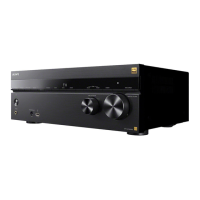
Multi Channel AV Receiver
STR-AZ1000ES
Switching the brightness of the display panel (Dimmer)
You can switch the brightness of the display panel.
Hint
You can also select the setting using the DIMMER on the unit.
5-037-020-11(1) Copyright 2022 Sony Corporation
Select [Setup] - [System Settings] from the home menu.
1
Select [Dimmer].
2
Select the setting you want.
Bright
Dark
Off
3




 To Next Page