Help Guide
Multi Channel AV Receiver
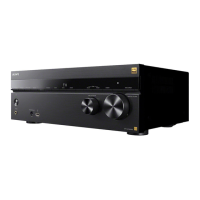
STR-AZ1000ES
Image and sound are not output from the TV when the unit is not turned on.
Set [Control for HDMI] to [On], and then set [Standby Through] to [Auto] or [On] in the [HDMI Settings] menu.
Turn on the unit, then select the input to which the playing device is connected.
If connected to other devices than those manufactured by Sony that support the Control for HDMI function, set [Control for HDMI] to
[On] in the [HDMI Settings] menu.
Make sure the HDMI output setting is set to [HDMI A] or [HDMI A + B].
5-037-020-11(1) Copyright 2022 Sony Corporation




 To Next Page