Help Guide
Multi Channel AV Receiver
STR-AZ1000ES
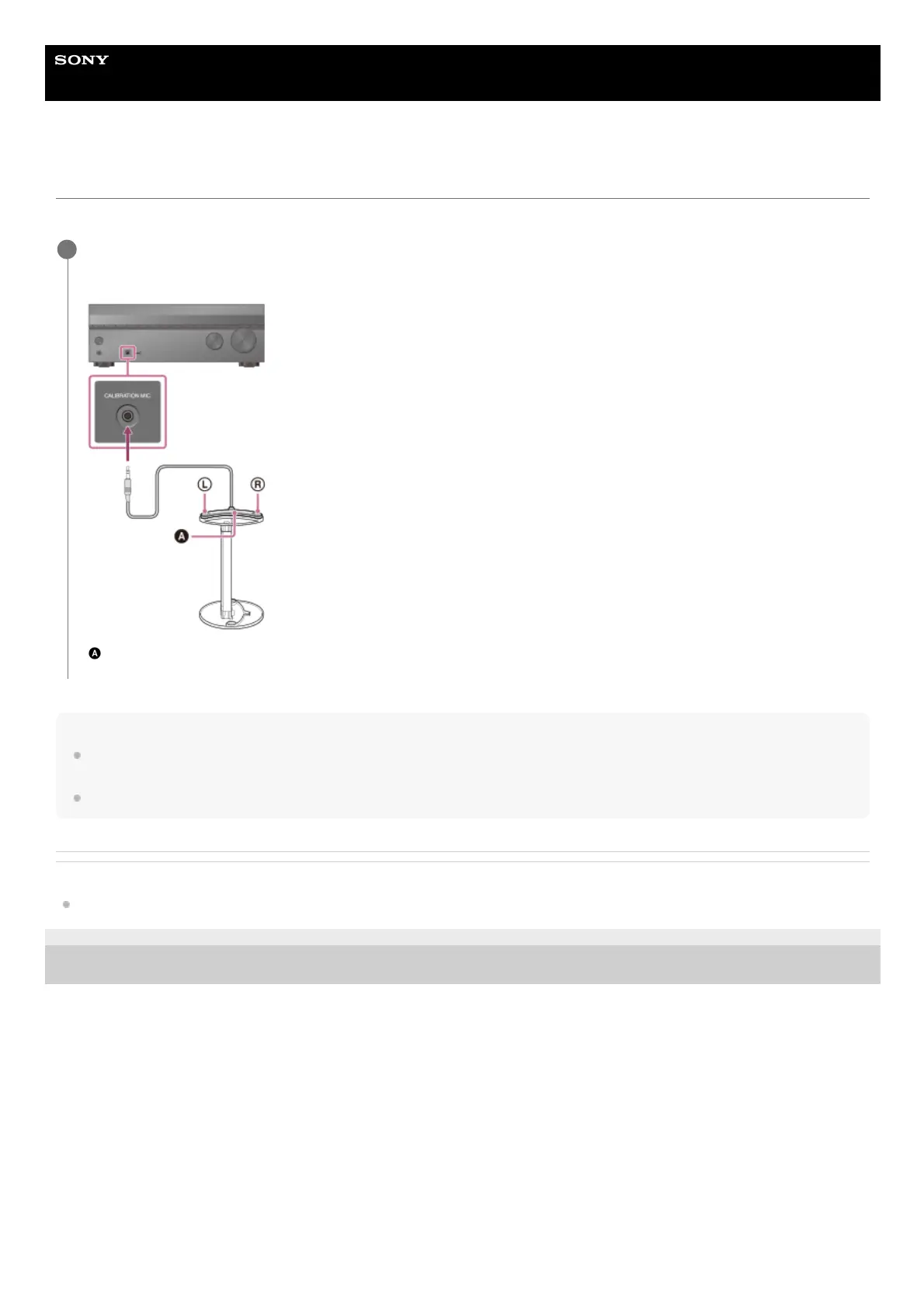
Connecting the calibration microphone
Connect the supplied calibration microphone to the unit. In advance, assemble the mic stand.
Note
Fully insert the plug of the calibration microphone into the CALIBRATION MIC jack. If the calibration microphone is not firmly connected, it may not be
possible to measure correctly.
Install the calibration microphone horizontally so that L (left) and R (right) are at the same height.
Related Topic
Assembling the calibration mic stand
5-037-020-11(1) Copyright 2022 Sony Corporation
Place the mic stand at your listening position and set the calibration microphone on the mic stand.
Adjust the position of the mic stand so that the calibration microphone is level with your ears.
Calibration microphone (supplied)
1











 To Next Page