Help Guide
Multi Channel AV Receiver
STR-AZ1000ES
Setting up the unit using the [Easy Setup]
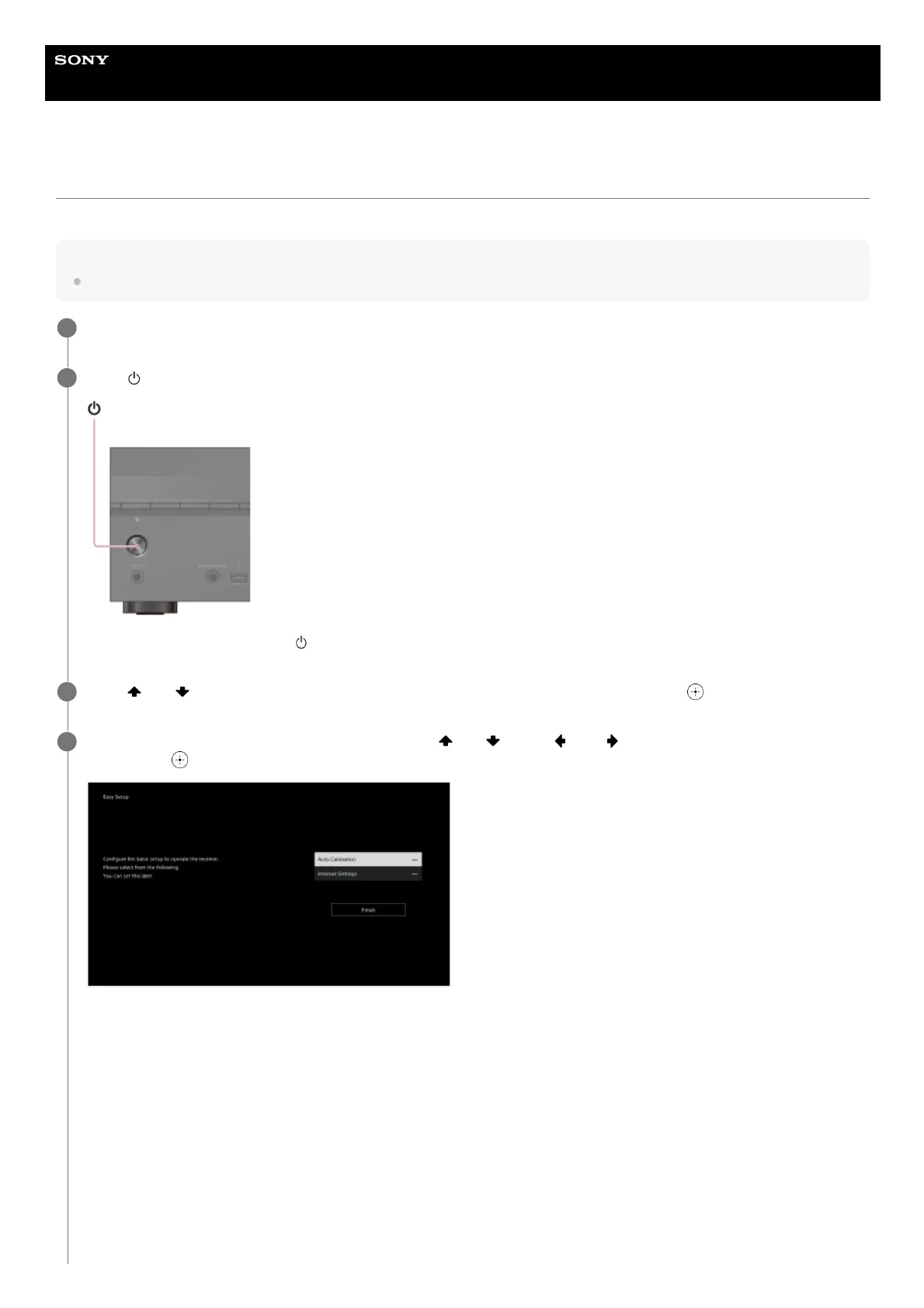
When you turn on the unit for the first time or after the unit is initialized, the Easy Setup screen appears on the TV screen.
Note
It is not possible to perform the Easy Setup procedure using the indications on the front display panel.
Turn on the TV, and then switch the input of the TV to the unit.
1
Press
(power) to turn on the unit.
You can also turn on the unit using (power) on the remote control.
2
Press
(up)/ (down) to select the language for the messages on the screen, and then press (enter).
3
Follow the on-screen instructions to select items using
(up)/ (down)/ (left)/ (right) on the remote control, and
confirm with (enter).
If the Easy Setup screen does not appear or you want to display the Easy Setup screen manually, you can display it by pressing
HOME on the remote control, then select [Setup] - [Easy Setup].
4











 To Next Page