105
GB
Using Other Features
• This function does not work when Dolby TrueHD,
or Linear PCM signals with a sampling frequency
of 176.4 kHz and higher are being received.
Tip
While this function is on, the Bass, Treble increase,
and “D. Range Comp” is automatically set to
“MAX.”
Recording using the
receiver
You can record from a video/audio component
using the receiver. Refer to the operating
instructions supplied with your recording
component.
You can record with an audio component using
the receiver. Refer to the operating instructions
supplied with your MD deck or tape deck.
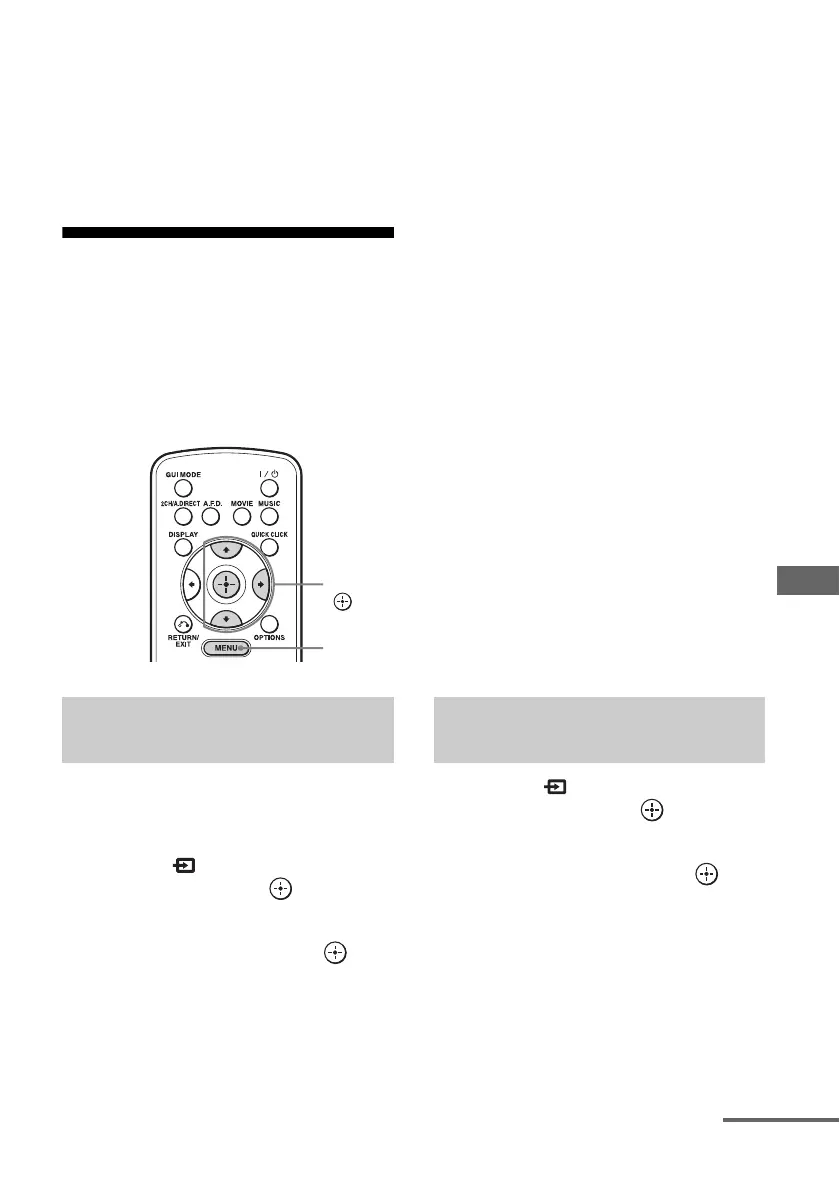
1 Select “ Input” from the
menu, then press or b.
2 Select the playback
component, then press .
3 Prepare the playback
component for playing.
For example, insert a CD into the CD
player.
4 Prepare the recording
component.
Insert a blank MD or tape into the
recording deck and adjust the recording
level.
5 Start recording on the
recording deck, then start
playback on the playback
component.
Notes
• If you use an SCMS-compliant recording deck,
you may not make recordings.
• The audio input signals from the MULTI
CHANNEL INPUT jacks may not be output.
• Only analog input signals are output from the
analog output jack (for recording).
• Signals input from the COAXIAL IN jack or the
OPTICAL IN jack are output to the OPTICAL
MD/TAPE OUT jack, unless MD/Tape input is
selected.
• HDMI sound cannot be recorded.
To record digital sound
Connect a component for playback to the
digital audio input (OPTICAL IN) jack, and
connect the recording component to the
OPTICAL MD/TAPE OUT jack.
1 Select “ Input” from the
menu, then press or b.
2 Select the playback
component, then press .
3 Prepare the component for
playing.
For example, insert the video tape you
want to copy into the VCR.
Recording with an audio
component
V/v/b,
MENU
Recording with a video
component
continued















 To Next Page