154
GB
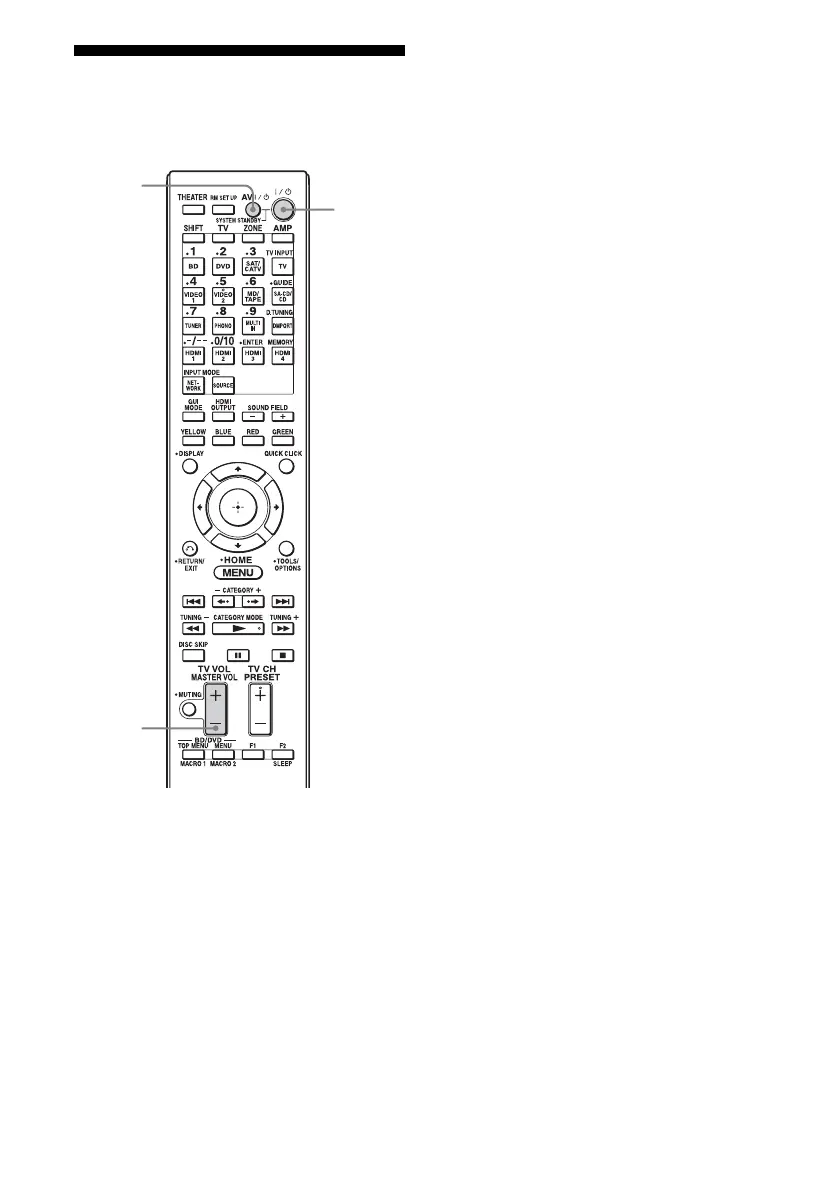
Clearing all the contents
of the remote’s memory
1
Hold down ?/1 while pressing
MASTER VOL –, then press
AV ?/1, all at the same time.
The RM SET UP button flashes three
times.
2 Release all buttons.
All the contents of the remote’s memory
(e.g., all the programmed data) are
cleared.
MASTER
VOL
?/1
AV ?/1















 To Next Page