121
GB
Adjusting Settings
Video settings
Makes settings for video.
Lets you convert the resolution of analog video
input signals.
x DIRECT
Lets you output analog video input signals
without conversion.
x AUTO
x 480i/576i
x 480p/576p
x 720p
x 1080i
x 1080p
z : Video signals are converted and output through the video converter.
a : The same type of signal as that of the input signal is output. Video signals are not converted.
– : Video signals are not output.
a)
The resolution is set automatically, depending on
the connected monitor.
b)
When the TV is connected to jacks other than the
HDMI jacks, 480i/576i signals are output when
“Resolution” is set to “AUTO.”
c)
480p/576p signals are output even if 480i/576i is
set.
d)
Video signals without copyright protection are
output based on the settings menu. Video signals
with copyright protection are output as 480p.
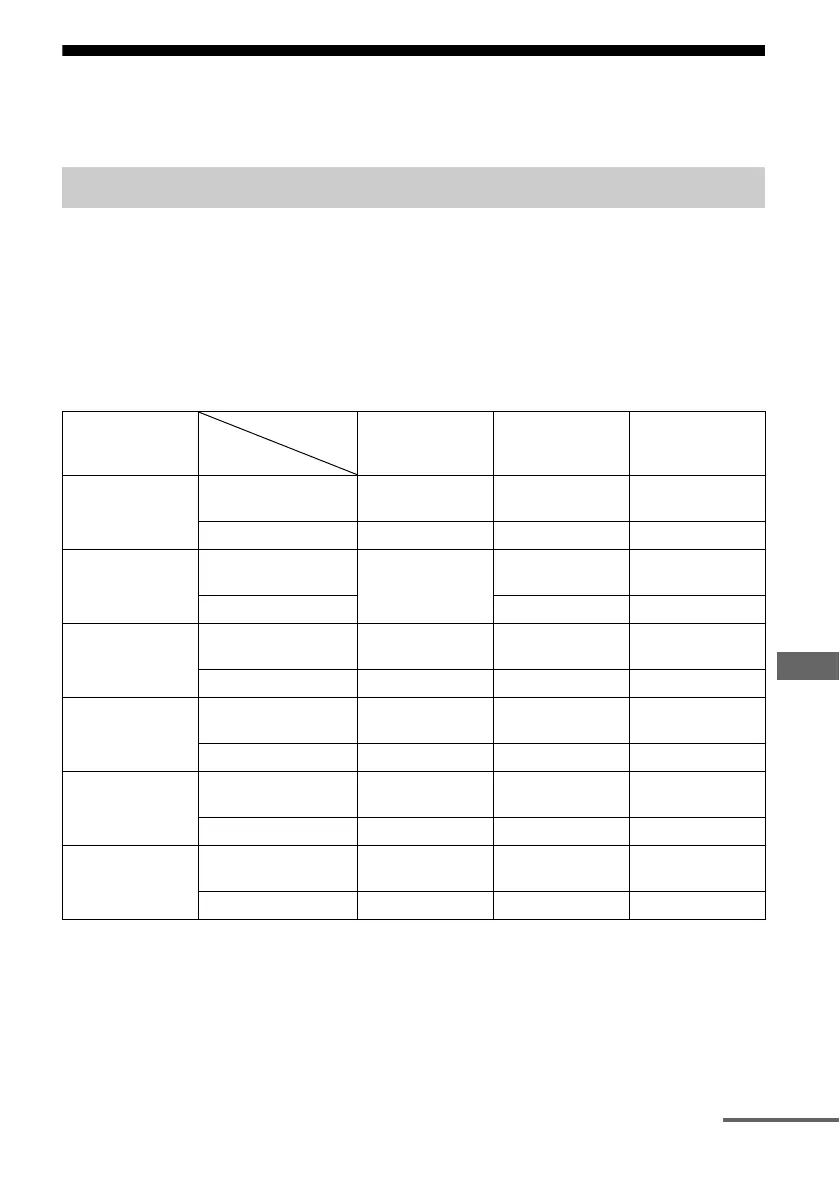
Resolution (Converting video signals)
“Resolution”
menu setting
HDMI OUT jacks MONITOR
COMPONENT
VIDEO OUT jacks
MONITOR VIDEO
OUT jack
DIRECT COMPONENT VIDEO
IN jacks
– a –
VIDEO IN jacks – – a
AUTO
(initial setting)
COMPONENT VIDEO
IN jacks
z
a)
z
b)
z
b)
VIDEO IN jacks z
b)
z
b)
480i/576i COMPONENT VIDEO
IN jacks
z
c)
zz
VIDEO IN jacks z
c)
zz
480p/576p COMPONENT VIDEO
IN jacks
zz –
VIDEO IN jacks zza
720p, 1080i COMPONENT VIDEO
IN jacks
zz
d)
–
VIDEO IN jacks zz
d)
a
1080p COMPONENT VIDEO
IN jacks
za –
VIDEO IN jacks z – a
Input from
Output from
continued















 To Next Page