142
GB
Setting components that
are operated by the on-
screen remote
To set the source component
1
Select “ Settings” from the menu,
then press or b.
2 Select “Quick Click,” then press .
3 Select “Source Component,” then press
.
4 Select the input (including a TV) for the
component you want to set up, then
press .
5 Select “Preset Mode,” then press .
6 Select the type of component you want
to set up, then press .
7 Select the maker name, then press .
8 Select the code, then press .
If you want to have a test, select “Play” on
the TV screen.
9 Select “Finish,” then press .
To set the common component
1
Select “ Settings” from the menu,
then press or b.
2 Select “Quick Click,” then press .
3 Select “Common Component,” then
press .
4 Select the type of component you want
to set up, then press .
5 Select “Preset Mode,” then press .
6 Select the component you want to set
up, then press .
7 Select the maker name, then press .
8 Select the code, then press .
If you want to have a test, select “Menu” or
“Power” on the TV screen.
If you selected “TV” in step 6, “Menu”
appears., In other cases, “Power” appears.
9 Select “Finish,” then press .
Performing several
commands in sequence
automatically with Quick
Click
(Macro Play)
You can use the macro function easily with
Quick Click.
1 Select “ Settings,” then press
or b.
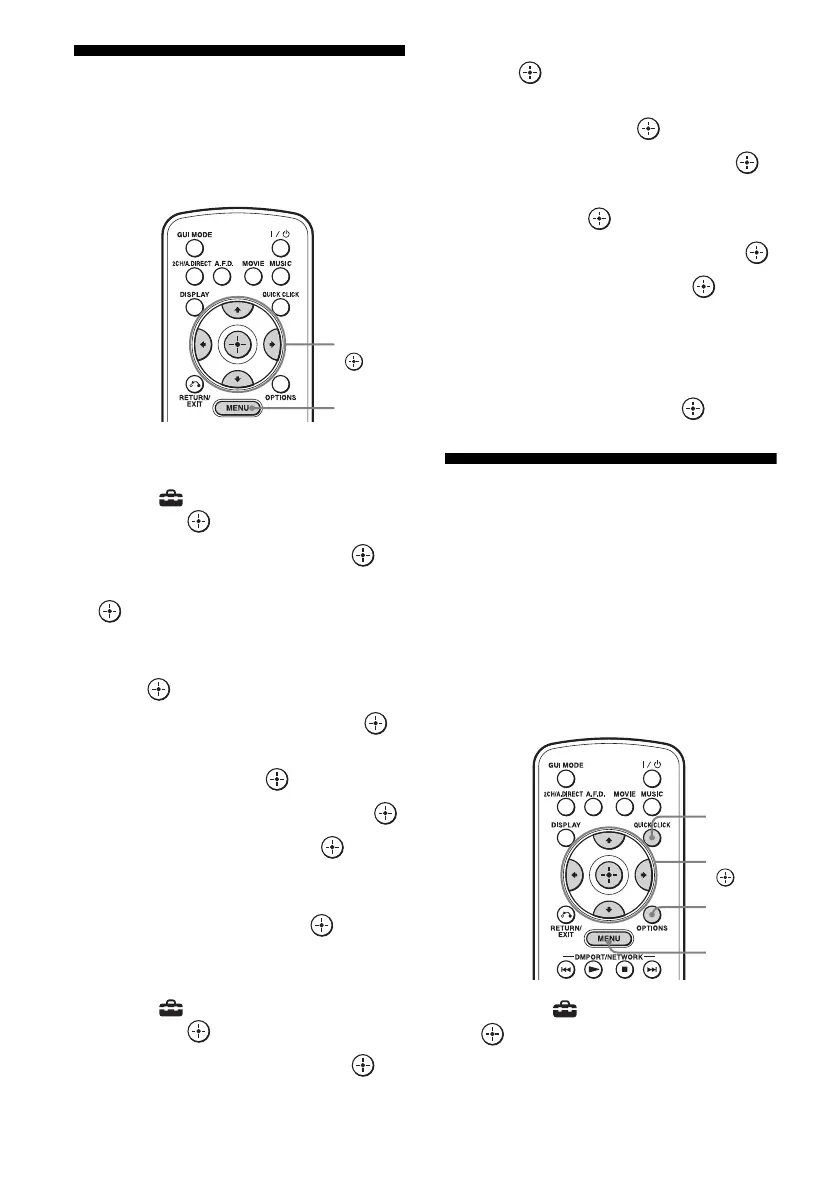
V/v/B/b,
MENU
V/v/b,
MENU
OPTIONS
QUICK
CLICK















 To Next Page