83
GB
Using Network Features
Using a controller
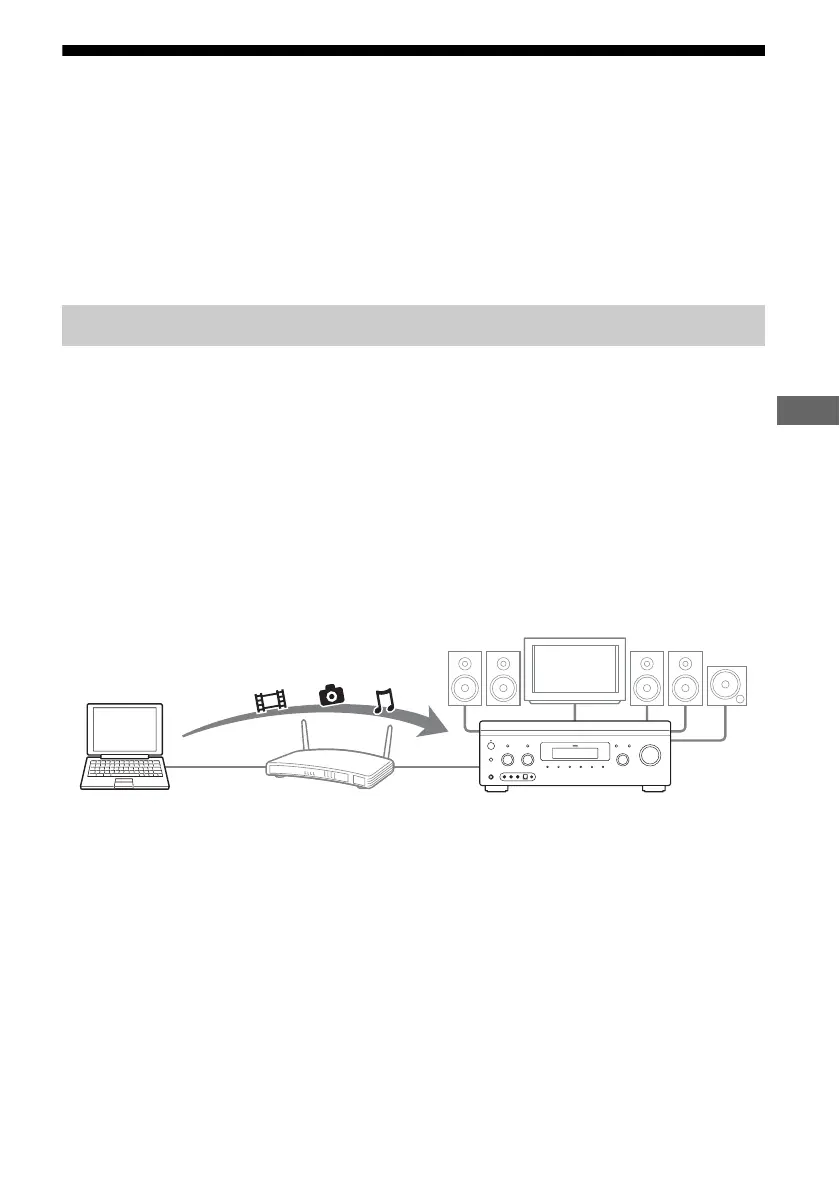
You can do the following using a device which has a control function on the home network.
– Playing back content stored on the server with the receiver
– Operating the receiver using Windows 7-based computer with Windows Media Player 12
Note
Before you operate the receiver using a controller, you have to set the controller you want to use to match the
receiver. Set “External Control” to “ON,” then set “Controllers” in the Network settings menu. For details on
settings for controllers, see “Controllers” (page 125).
You can enjoy, or check the status of content (music, photos, and videos) on the server using a
controller. However, only the main zone of the receiver can be operated by a controller.
The following operations are supported.
• Playback, stop, pause, fast-forward and fast-reverse of content
• Go to the next/previous content item
• Checking the elapsed time of the currently playing content
Notes
• Some operations may not be performed, depending on the device used as a controller. For details, refer to the
operating instructions of each device.
• If you operate the receiver using the supplied remote together with a controller, the receiver may not work
properly.
1 Select the device to be used as
a server using a controller on
the home network.
2 Select the content you want to
play back using a controller on
the home network.
3 Select the receiver to be used
to play back the content using a
controller on the home
network.
Refer to the operating instructions of each
device.
Enjoying content stored on the server
STR-DA4600ES
Computer
(server, controller)















 To Next Page