57
US
Enjoying Surround Sound
The enhanced surround mode allows you to
listen to higher fidelity sound and select the
decoding mode for listening to a 2 channel
stereo sound as multi channel sound.
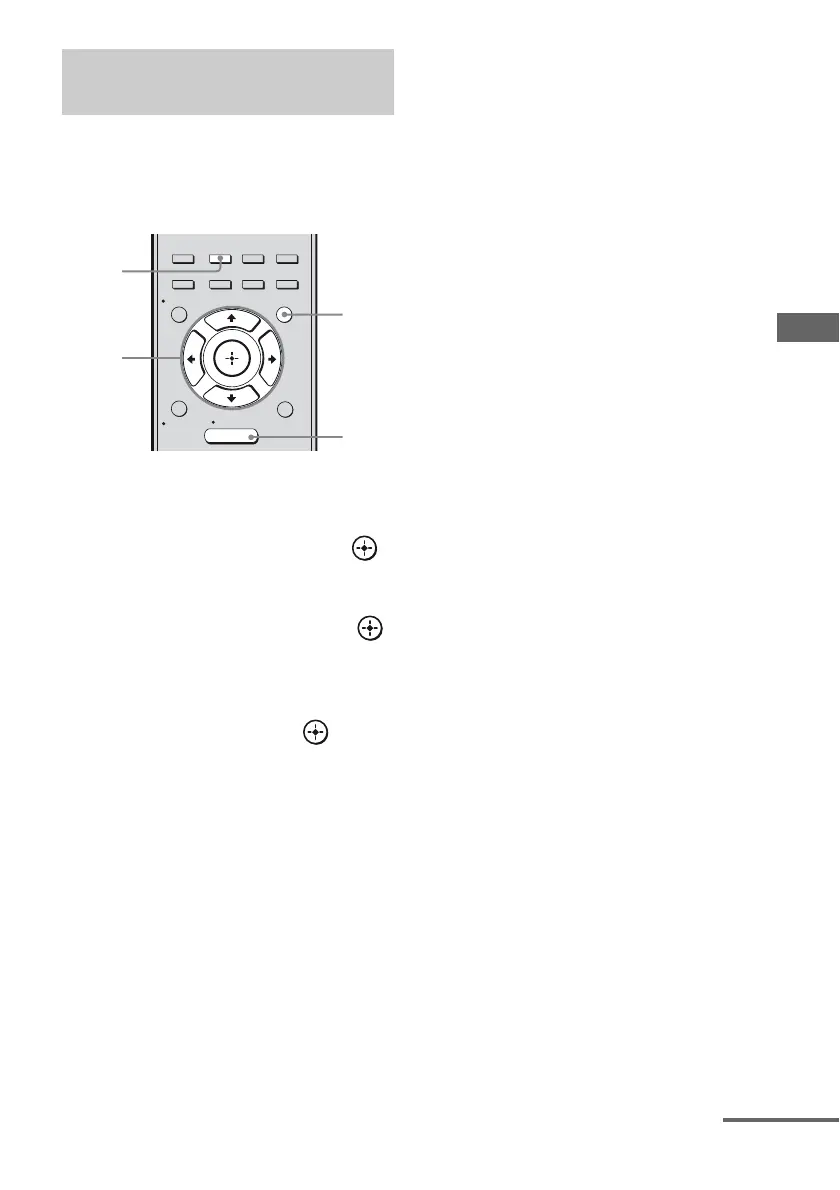
1 Press AMP MENU.
2 Press V/v repeatedly to select
“SURROUND”, then press
or b.
3 Press V/v repeatedly to select
“E.SUR MODE” then press
or b.
4 Press V/v repeatedly to select
the enhanced surround mode
you want, then press or b.
5 Press MENU/HOME or AMP
MENU to exit the menu.
6 Press A.F.D. repeatedly to
select “E. SURROUND”.
The enhanced surround mode you have
selected in “E.SUR MODE” menu will be
applied.
Selecting enhanced surround
mode
2CH/
A.DIRECT A.F.D. MOVIE MUSIC
AUTO CAL
MENU
RETURN/
EXIT
OPTIONS
TOOLS
HOME
DISPLAY
AMP
MENU
O
INPUT
MODE
SLEEP
NIGHT
MODE
2-4
1,5
5
6
continued



 To Next Page