56
US
The Auto Format Direct (A.F.D.) mode allows
you to listen to higher fidelity sound and select
the decoding mode for listening to a 2 channel
stereo sound as multi channel sound.
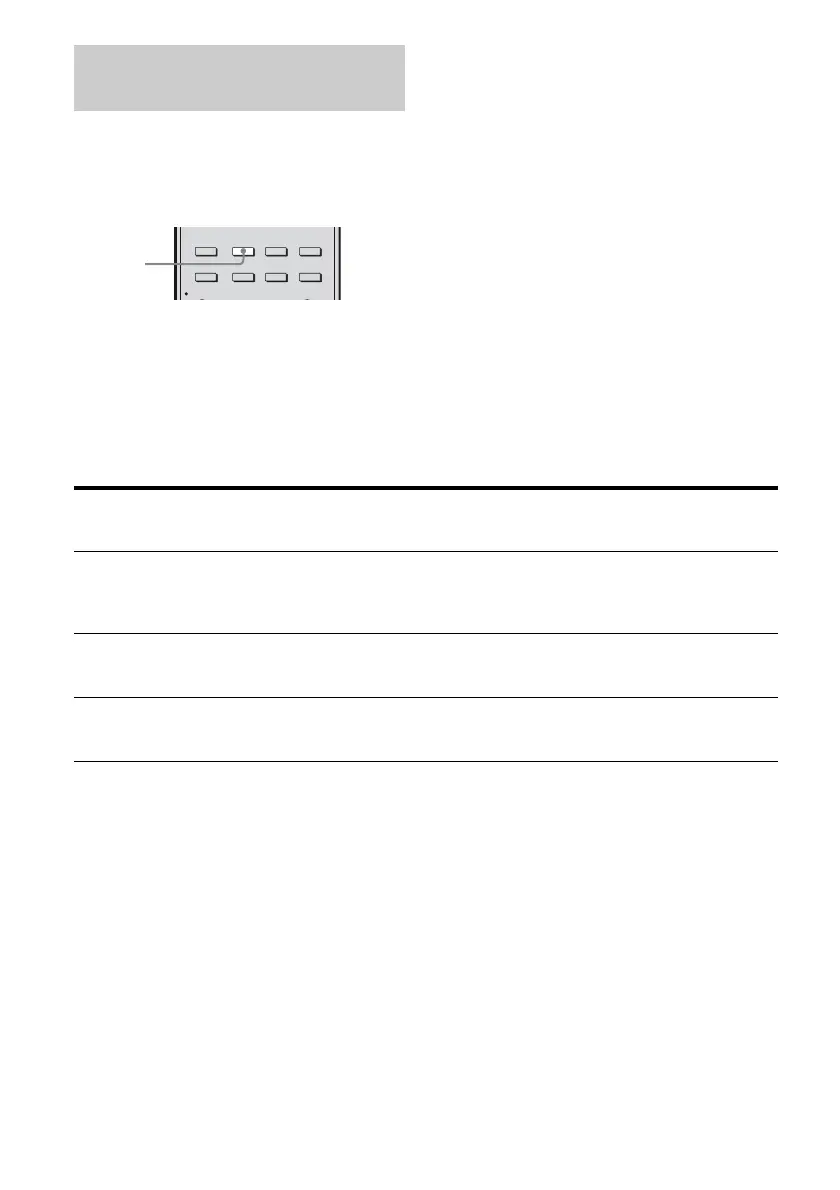
Press A.F.D. repeatedly to select
the sound field you want.
For details, see “Types of A.F.D. mode” (page
56).
Types of A.F.D. mode
Selecting Auto Format Direct
(A.F.D.) mode
2CH/
A.DIRECT A.F.D. MOVIE MUSIC
AUTO CAL
DISPLAY
AMP
MENU
INPUT
MODE
SLEEP
NIGHT
MODE
A.F.D.
A.F.D. mode
[Display]
Multi channel
audio after
decoding
Effect
A.F.D. Auto
[A.F.D. AUTO]
(Detecting
automatically)
Presents the sound as it was recorded/encoded without adding
any surround effects. However, this receiver will generate a
low frequency signal for output to the subwoofer when there
is no LFE signals.
Enhanced surround mode
[E. SURROUND]
(Depends on selected
enhanced surround
mode)
For details, see “Selecting enhanced surround mode” (page
57).
Multi Stereo
[MULTI ST.]
(Multi Stereo) Outputs 2 channel left/right signals from all speakers.
However, sound may not be output from certain speakers
depending on the speaker settings.



 To Next Page