30
GB
D:\NORM'S JOB\SONY HA\SO0109\STR-DH520\4263361111_GB\GB04CON_STR-DH520-
U2.fm
masterpage: Left
STR-DH520
4-263-361-11(1)
Selecting the speaker pattern
Select the speaker pattern according to the speaker system which you are using.
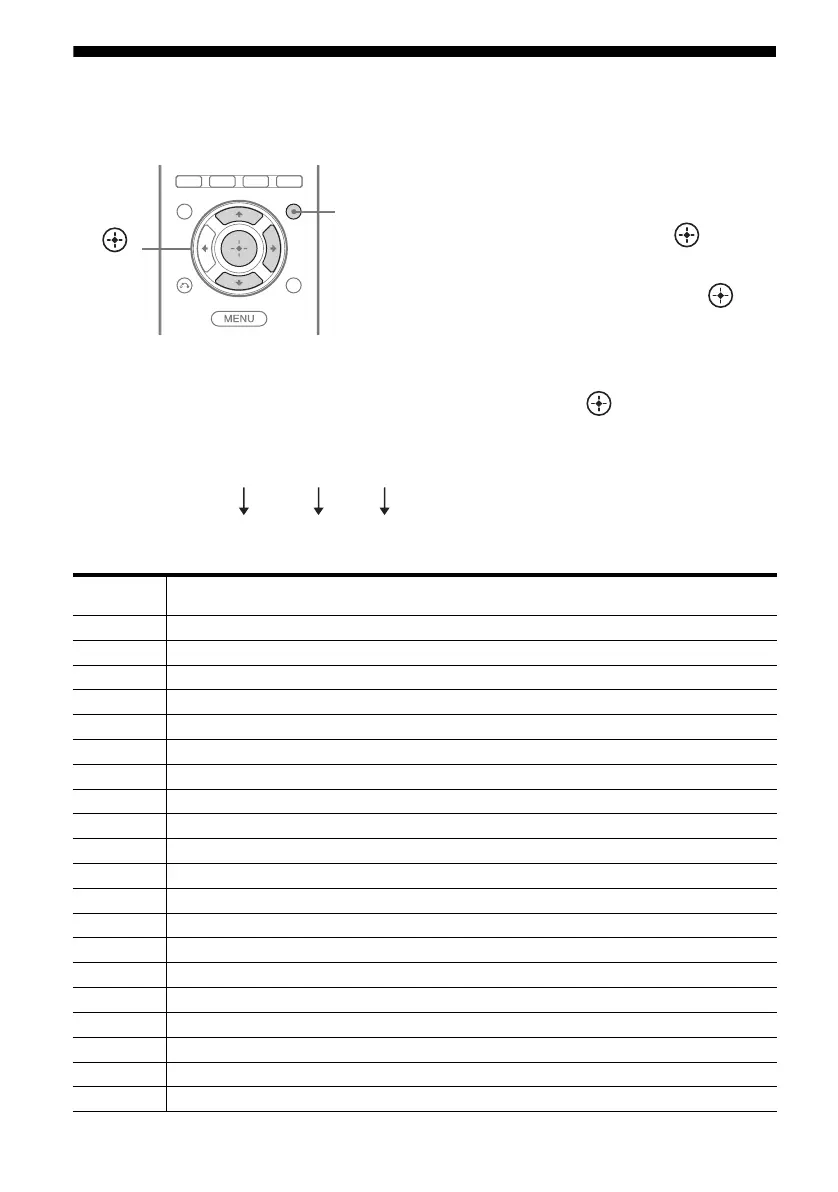
1 Press AMP MENU.
2 Press V/v repeatedly to select
“SPKR”, then press or b.
3 Press V/v repeatedly to select
“PATTERN”, then press or
b.
4 Press V/v repeatedly to select
the speaker pattern you want,
then press .
Speaker pattern settings
For example:
,
V/v/b
AMP
MENU
Speaker
pattern
Front
left/right
Front left/
right high
Center Surround
left/right
Surround
back left
Surround
back right
Subwoofer
5/2.1 aa aa ––a
5/2 a a a a –––
4/2.1 aa – a ––a
4/2 aa – a –––
3/4.1 a – aa a a a
3/4 a – aa a a –
2/4.1 a ––aaaa
2/4 a ––aaa –
3/3.1 a – aa a – a
3/3 a – aa a ––
2/3.1 a ––aa – a
2/3 a ––aa ––
3/2.1 a – aa ––a
3/2 a – aa –––
2/2.1 a ––a ––a
2/2 a ––a –––
3/0.1 a – a –––a
3/0 a – a ––––
2/0.1 a –––––a
2/0 a – –––––
5 / 2 1.
2 front + 2 front
high + center
2 surround subwoofer



 To Next Page