37
GB
D:\NORM'S JOB\SONY HA\SO0109\STR-DH520\4263361111_GB\GB05BAS_STR-DH520-
U2.fm
masterpage: Right
STR-DH520
4-263-361-11(1)
Basic Operations
4 Play back the source.
5 Press MASTER VOL +/– or
2 +/– to adjust the volume.
You can also use MASTER VOLUME on
the receiver.
6 Press SOUND FIELD +/– to
enjoy the surround sound.
You can also use 2CH/A.DIRECT,
A.F.D., MOVIE/HD-D.C.S. or MUSIC
on the receiver.
For details, see page 43.
To activate the muting function
Press MUTING or on the remote control.
The muting function will be canceled when
you do the following.
• Press the button again.
• Increase the volume.
• Turn off the receiver.
• Perform Auto Calibration.
To avoid damaging your
speakers
Before you turn off the receiver, be sure to turn
down the volume level.
You can enter a name of up to 8 characters for
inputs (except TUNER) to appear on the
display panel.
It is more recognizable having the equipment
named on the display than the jacks.
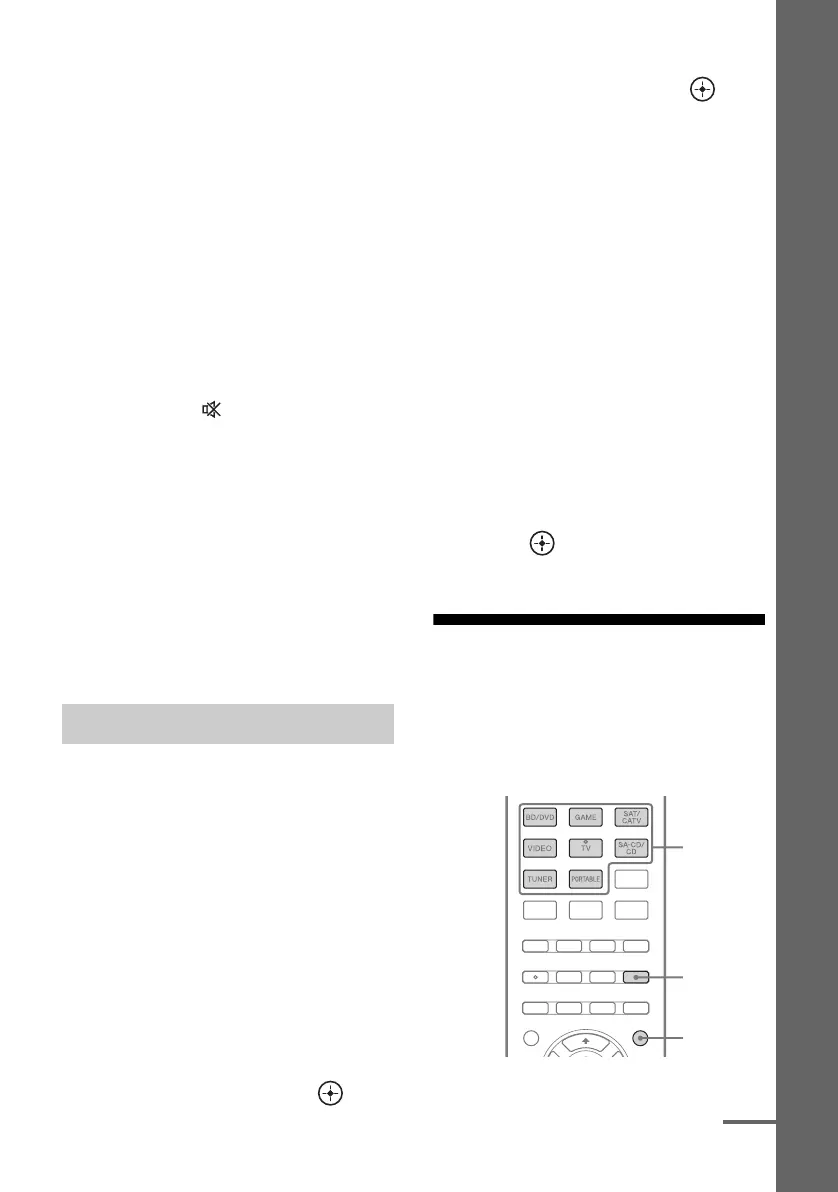
1 Press the corresponding input
button which you want to
create an index name.
You can also use INPUT SELECTOR on
the receiver.
2 Press AMP MENU.
3 Press V/v repeatedly to select
“SYSTEM”, then press or b.
4 Press V/v repeatedly to select
“NAME IN”, then press or b.
The cursor flashes and you can enter a
character.
5 Press V/v to select a character,
then press B/b to move the
input position backward and
forward.
Tips
• You can select the character type as follows
by pressing V/v.
Alphabet (upper case) t Numbers t
Symbols
• To enter a blank space, press b without
selecting a character.
If you made a mistake
Press B/b until the character you want to
change flashes, then press V/v to select
the correct character.
6 Press .
The name you entered is registered.
Viewing information on
the display panel
The display panel provides various
information of the receiver status such as
sound field.
Naming inputs
Input
buttons
DISPLAY
AMP MENU
continued



 To Next Page