35
GB
D:\NORM'S JOB\SONY HA\SO0109\STR-DH520\4263361111_GB\GB04CON_STR-DH520-
U2.fm
masterpage: Right
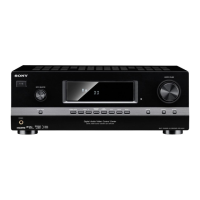
STR-DH520
4-263-361-11(1)
Preparing the Receiver
You can select the calibration type you want
and then perform the Auto Calibration.
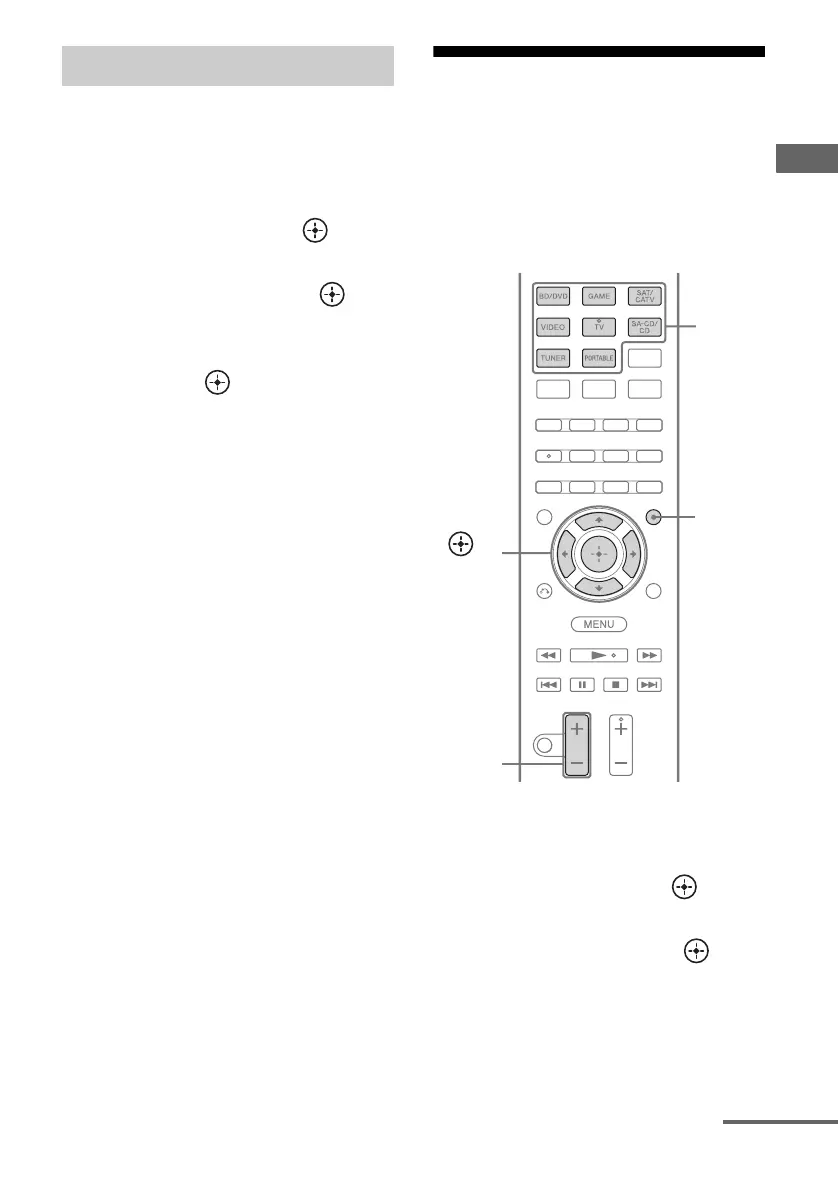
1 Press AMP MENU.
2 Press V/v repeatedly to select
“A. CAL”, then press or b.
3 Press V/v repeatedly to select
“CUSTOM”, then press or b.
4 Press V/v repeatedly to select
the calibration type you want,
then press .
• FULL.FLAT
Makes the measurement of frequency
from each speaker flat.
• ENGINEER
Sets to “the Sony listening room
standard” frequency characteristics.
• FRONT.REF
Adjusts the characteristics of all the
speakers to match the characteristics of
the front speaker.
•OFF
Sets the Auto Calibration equalizer
level to off.
The Auto Calibration starts
automatically.
5 Save the measurement result
(page 33).
Adjusting the speaker
levels
(TEST TONE)
You can adjust the speaker levels while
listening to the test tone from your seating
position.
1 Press AMP MENU.
2 Press V/v repeatedly to select
“LEVEL”, then press or b.
3 Press V/v repeatedly to select
“T. TONE”, then press .
Selecting the calibration type
AMP
MENU
,
V/v/B/b
Input
buttons
MASTER
VOL +/–/
2 +/–
continued



 To Next Page