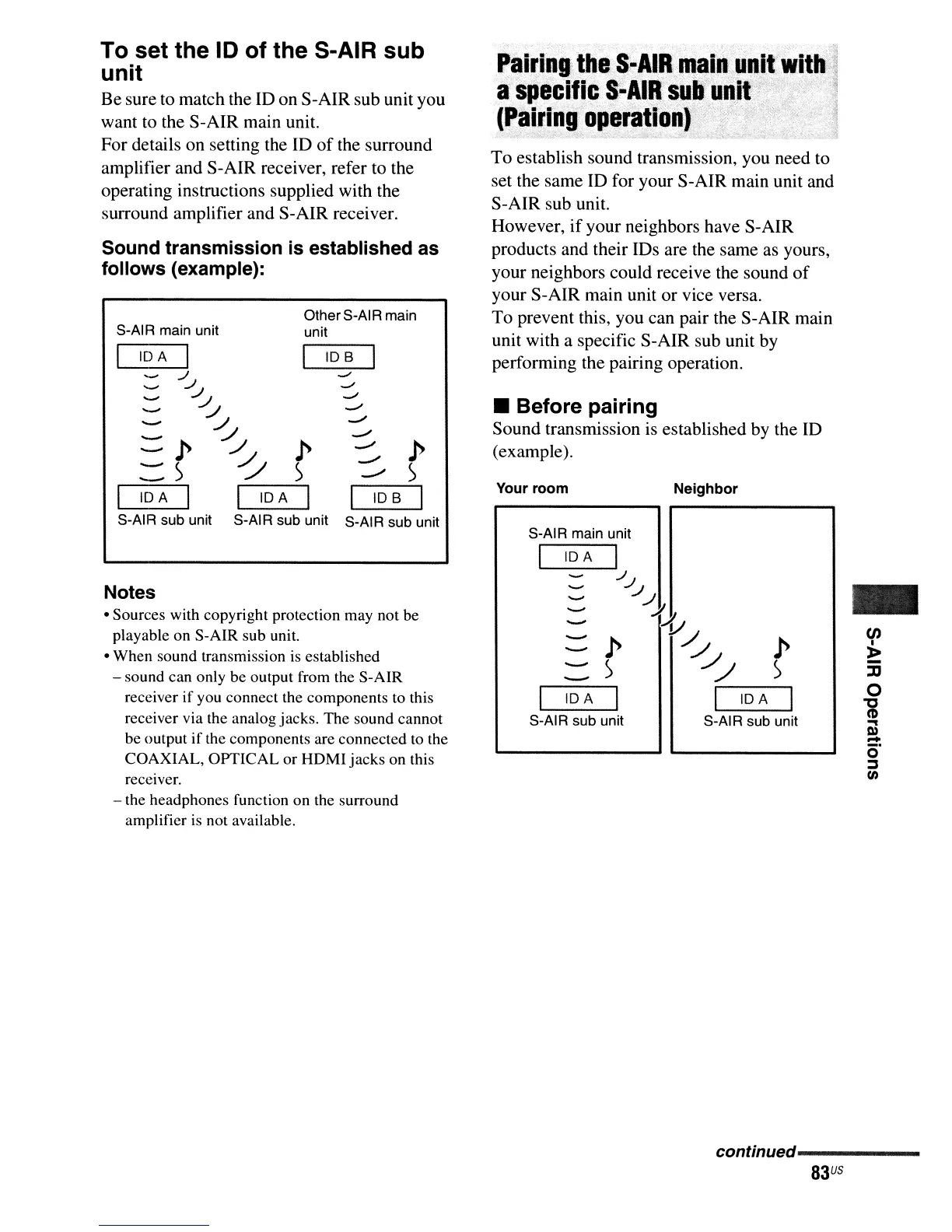
Sound transmission
is
established as
follows (example):
-
Neighbor
-
-
-
:::::p
--
)
---
I
IDA
I
S-AIR sub unit
S-AIR main unit
I
IDA
I
<J
./...1
JI
Y1/
/../
//
I
IDA
I
S-AIR sub unit
Your room
Piliring;
the
S-AIR
main
uq,i!'wiJb
'.~
a
specific
S-AIII
suB'
ullil'?';;'}
,
.~
(Pairin'goperation)
,
.,;
:,--.,-~
,
~
• Before pairing
Sound transmission
is
established by the ID
(example).
To
establish sound transmission, you need to
set the same ID for your S-AIR main unit and
S-AIR sub unit.
However,
if
your neighbors have S-AIR
products and their IDs are the same as yours,
your neighbors could receive the sound
of
your S-AIR main unit or vice versa.
To prevent this, you can pair the S-AIR main
unit with a specific S-AIR sub unit by
performing the pairing operation,
lOB
I
..J
-/
..,../
-/
.....,.,
.....,.,
-'
p
:=::')
lOB
I
S-AIR sub unit
OtherS-AI R main
unit
-
IDA
I
..JJ
./...1
./,/
:::::
p
~
p
:::)
~)
IDA
I I
IDA
I
S-AIR sub unit S-AIR sub unit
S-AIR main unit
Notes
• Sources with copyright protection may not be
playable on S-AlR sub unit.
• When sound transmission is established
- sound can only be output from the
S-AlR
receiver
if
you connect the components to this
receiver via the analog jacks. The sound cannot
be output if the components are connected to the
COAXIAL, OPTICAL or
HDMl
jacks on this
receiver.
- the headphones function on the surround
amplifier is not available.
To set the
10
of the S-AIR sub
unit
Be sure to match the
ID
on S-AIR sub unit you
want to the S-AIR main unit.
For details on setting the ID
of
the surround
amplifier and S-AIR receiver, refer to the
operating instructions supplied with the
surround amplifier and S-AIR receiver.
continued------
83
US



 To Next Page