To set up speakers
THEATER
°m·ornorn
C)
OVOIBO
~
°momom
L..J
AUTO
CAL
O(:=.)G
"mOrnom·
D.SKIP
'.z1!l .
!IBtORY
At.fl
MEllI
AMP
.~
.(~
o@@
(_&-Iii-
MENU
ClEAR
~
CATEGORY
+
TV'
CH
+
REPLAY
ADVANCE'
PRESETt
.(
....
),{.~)
(3
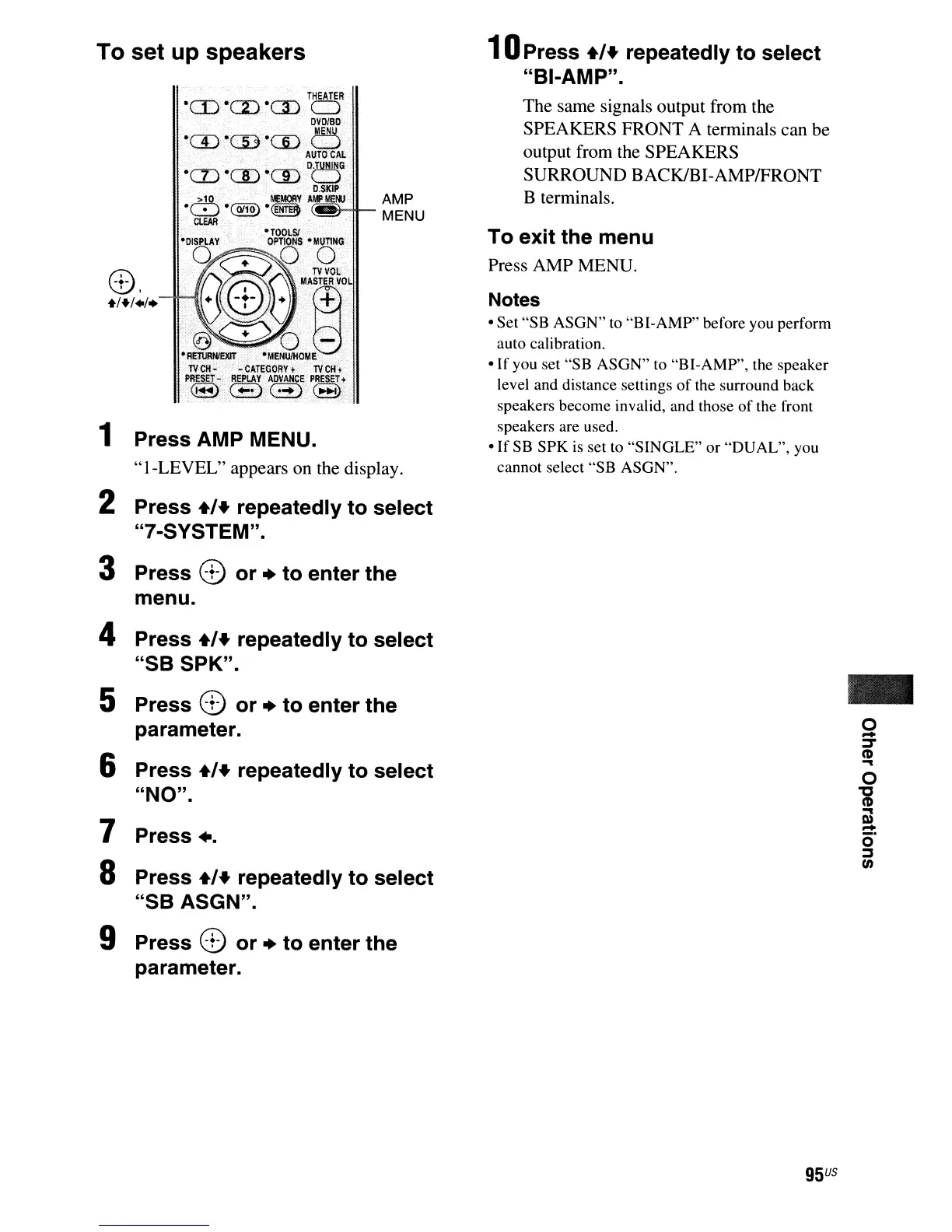
1 Press AMP
MENUo
"I-LEVEL"
appears on the display.
2 Press
+'+
repeatedly to select
"7-SYSTEM".
3 Press e or
..
to enter the
menu.
4 Press
+'+
repeatedly to select
"SB SPK".
5 Press e or
..
to enter the
parameter.
6 Press
+'+
repeatedly to select
"NO".
7 Press
+.
8 Press
+'+
repeatedly to select
"SB ASGN".
9 Press e or
..
to enter the
parameter.
1oPress
+'+
repeatedly to select
"BI-AMP".
The same signals output from the
SPEAKERS FRONT A terminals can be
output from the SPEAKERS
SURROUND BACKlBI-AMP/FRONT
B terminals.
To exit the menu
Press AMP MENU.
Notes
• Set "SB ASGN" to "BI-AMP" before you perform
auto calibration.
•
If
you set "SB ASGN" to "BI-AMP", the speaker
level and distance settings
of
the surround back
speakers become invalid, and those of the front
speakers are used.
•
If
SB
SPK
is
set to "SlNGLE" or "DUAL", you
cannot select "SB ASGN".
95
US
-
o
-
J
(1)
...



 To Next Page