12
GB
* You can watch the selected input image when you
connect the HDMI TV OUT or MONITOR OUT
jack to a TV (page 21, 24).
You can use the supplied remote to operate the
receiver and to control the Sony audio/video
components that the remote is assigned to
operate.
You can also program the remote to control
non-Sony audio/video components. For details,
see “Programming the remote” (page 85).
• RM-AAP049 (Models of area
code U2 only)
• RM-AAP050 (Models of area
code CEL, CEK only)
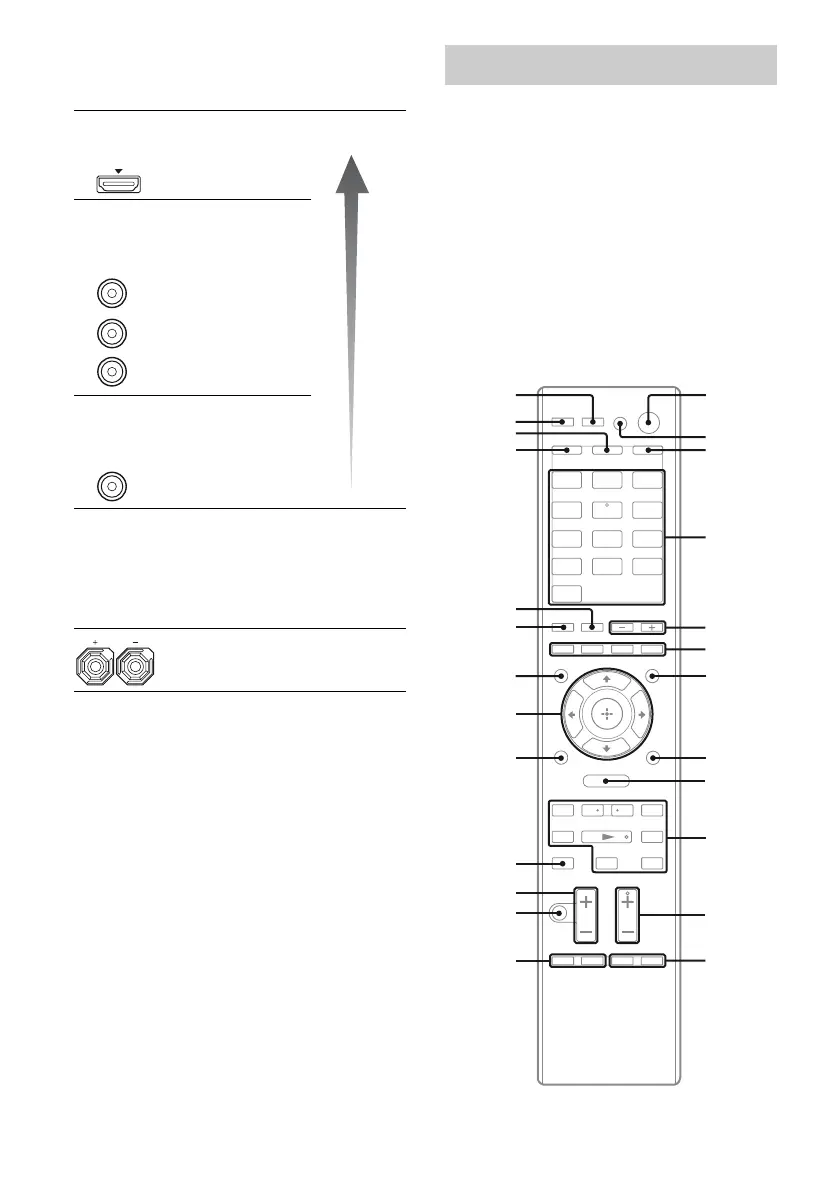
E Video signal section*
The image quality depends on the connecting
jack.
DIGITAL INPUT/OUTPUT
jacks (page 21, 24)
HDMI IN/OUT
COMPONENT VIDEO
INPUT/OUTPUT jacks (page
21, 27, 28, 29)
Y, PB/CB, PR/CR
IN/OUT
COMPOSITE VIDEO INPUT/
OUTPUT jacks (page 21, 27,
29, 30)
VIDEO IN/OUT
F SPEAKERS section (page 19)
Green
(Y)
Blue
(P
B/CB)
Red
(P
R/CR)
Yellow
Remote commander
.
mM
>
Xx
BD DVD
SAT/
CATV
VIDEO 1 VIDEO 2
HDMI 3HDMI 2HDMI 1
HDMI 4
SA-CD/
CD
TUNERDMPORT
<
<
MENU
O
TV
qf
qh
qj
qg
wf
wd
wg
ws
w;
wa
qk
ql
1
2
3
4
6
7
8
9
q;
qa
5
qs
qd
High
quality
image















 To Next Page