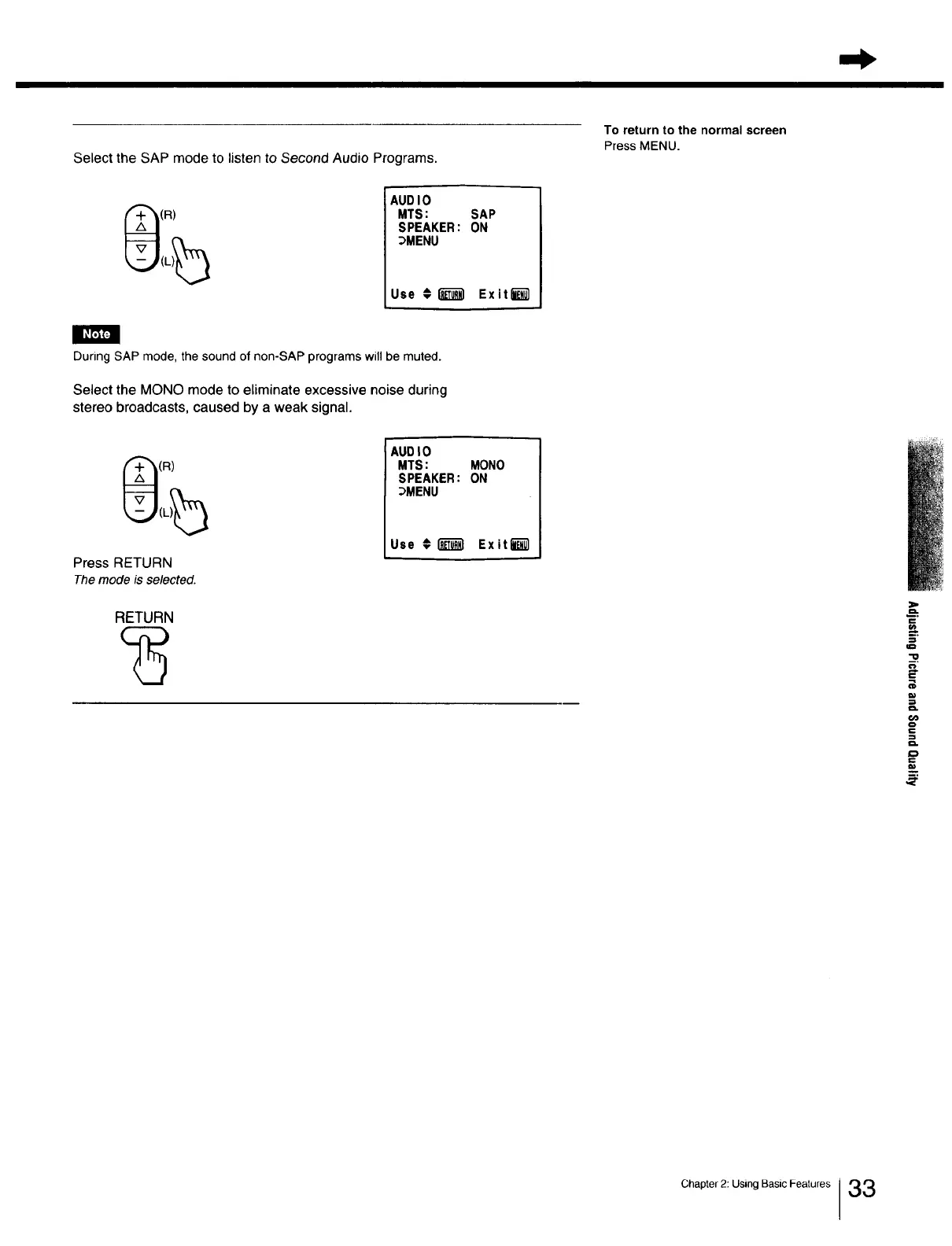
Select the SAP mode to listen to Second Audio Programs.
To return to the normal screen
Press MENU.
(R)
AUDIO
MTS:
SPEAKER:
_MENU
Use € I_
SAP
ON
Ex it I_1
During SAP mode, thesound of non-SAP programs willbe muted.
Select the MONO mode to eliminate excessive noise during
stereo broadcasts, caused by a weak signal.
(R)
Press RETURN
The mode is selected.
RETURN
AUDIO
MTS: MONO
SPEAKER: ON
_MENU
Use €_ Exitli_
z.
£
"O
a.
==
=
Chapter 2: Using Basic Features 33







 To Next Page