EasyManua.ls Logo

Sony Trinitron KV-20FV10 - Parental Control Password Management; Resetting a Forgotten Password; Temporarily Disabling Parental Lock

Sony Trinitron KV-20FV10
41 pages
Print Icon
To Next Page IconTo Next Page
To Previous Page IconTo Previous Page
Loading...
Using the
Menus
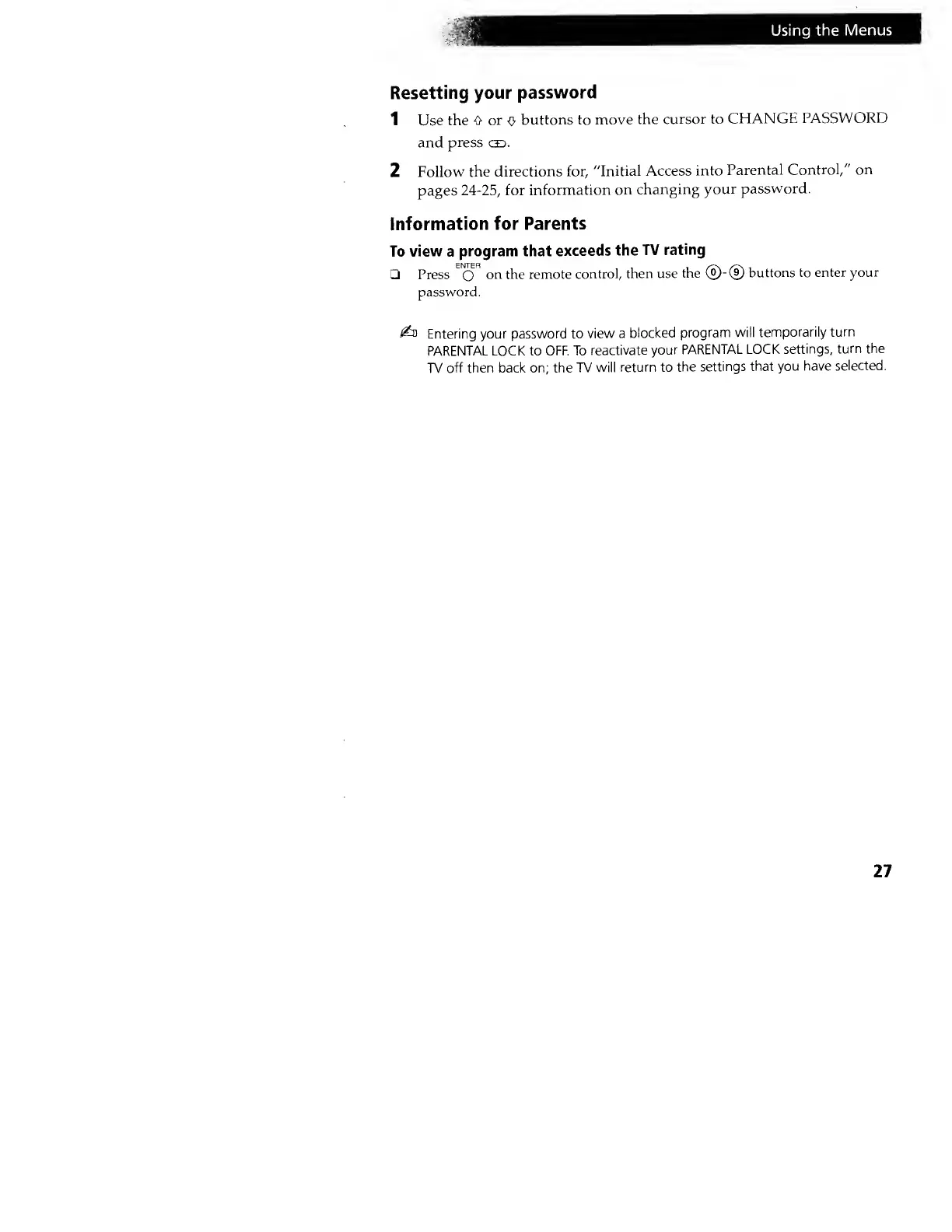
Resetting your
password
1 Use the
O or
o
buttons to move
the
cursor to
CHANGE
PASSWORD
and
press
ce>.
2
Follow
the
directions for,
"Initial Access
into
Parental Control,"
on
pages
24-25,
for
information
on
changing
your
password.
Information for
Parents
To
view
a
program that
exceeds
the
TV
rating
Press
EN
0
R
on the remote
control,
then use
the ®-®
buttons to enter
your
password.
£n
Entering your
password to view
a
blocked
program will
temporarily
turn
PARENTAL LOCK to OFF. To
reactivate
your
PARENTAL LOCK
settings,
turn the
TV
off then back on; the
TV will
return to
the
settings that
you have
selected.
27