20 Menu Adjustment
Sony KV-BT212M80 Group I15 (GB)_2-023-202-11 (1)
x C
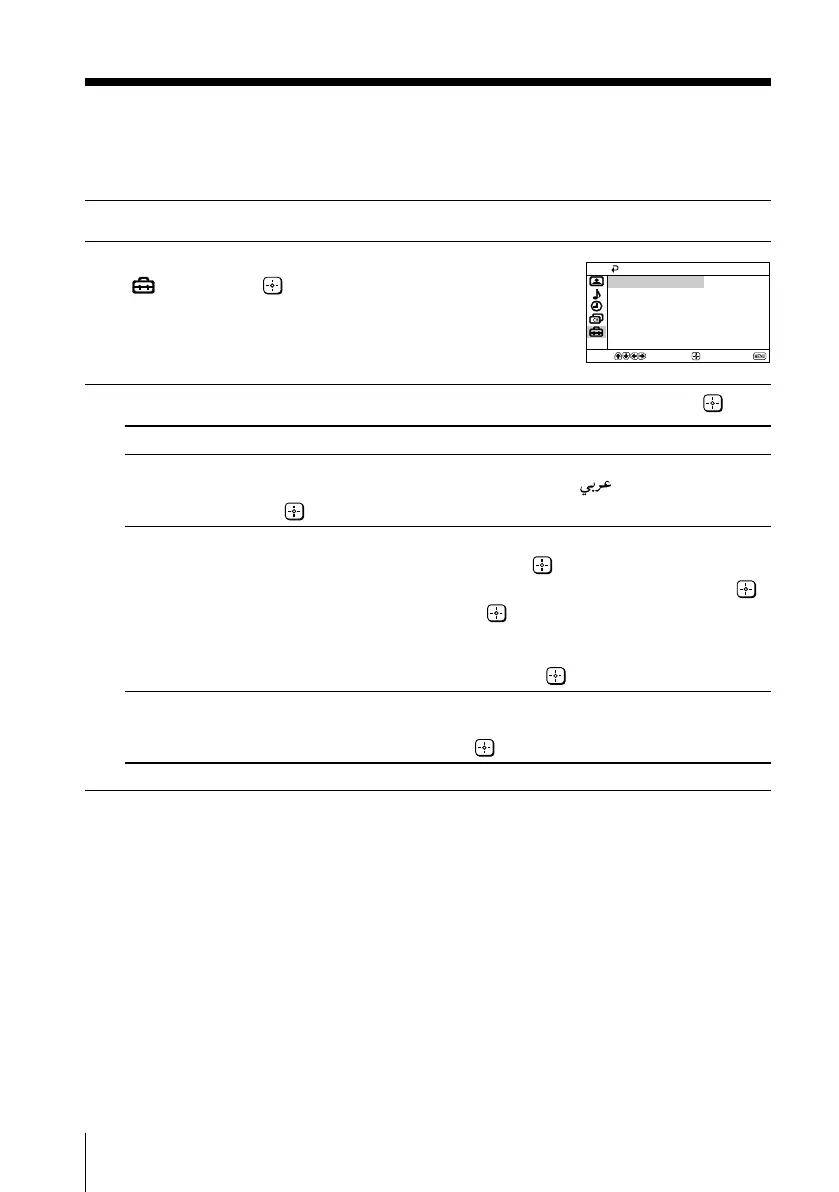
hanging the “Setup” setting
The “Setup” menu allows you to change the menu language, label the connected
equipment and select the color system.
1
Press MENU.
2
Press V or v to select the “Setup” icon
(
), then press .
3
Press V or v to select the desired item (e.g., “Language”), then press .
Select To
“Language” change the menu language.
Press V or v to select either “English” or “ ” (Arabic), then press
.
“Video Label” label the connected equipment.
(1) Select “Video Input” and press
.
Press V or v to select the input you want to label, then press .
(2) Select “Label” and press , then press V or v to select the label
options: ”Video 1/Video 2”, “VCR”, “SAT”, “Game” or “Edit”*.
* You may edit the video label. Press V or v to select alphanumeric
characters for the label, then press .
“Color System” select the color system.
Press V or v to select either “Auto”, “PAL”, “SECAM”, “NTSC3.58”
or “NTSC4.43”, then press
. Normally, set this to “Auto”.
Confirm
End
Setup
Language: English
Video Label
Color System: Auto
Select
01GB06ADJ-SVAPAK.p65 5/21/04, 9:37 AM20
Black








 To Next Page