27
Operation
When selecting a channel under these
circumstances, turn off the transmitter.
Then, on the tuner, select a channel for
which the RF indications do not appear in
the display section or for which the RF
indicator does not light up (i.e., a channel
free from noise or radio wave interference).
Set the same channel on the transmitter.
To prevent interference or noise, please
take the following precautions.
• Do not use two or more transmitters with
the same wireless channels.
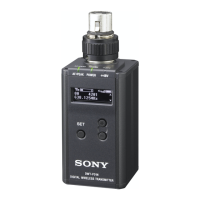
• When operating two or more UWP-X5’s
simultaneously, set each package to a
different channel within the same
channel group.
• Keep the reception antenna and the
transmitter separated more than 3 meters
(9 feet 11 inches).
• When operating two or more UWP-X5’s
simultaneously with the same channel
group, make sure that they are at least
100 meters (330 feet) apart, but within
clear sight of each other. (The actual
distance may differ depending on the
circumstances.)
Note


 To Next Page