GB
22
Projecting
VPL-CS2/CX1
4-079-834-11 (1)
D:\Data\Oka\407983411VPLCS2CX1WW\02GB-
VPLCS2,CX1WW\04SET.fm
masterpage:Left
Projecting
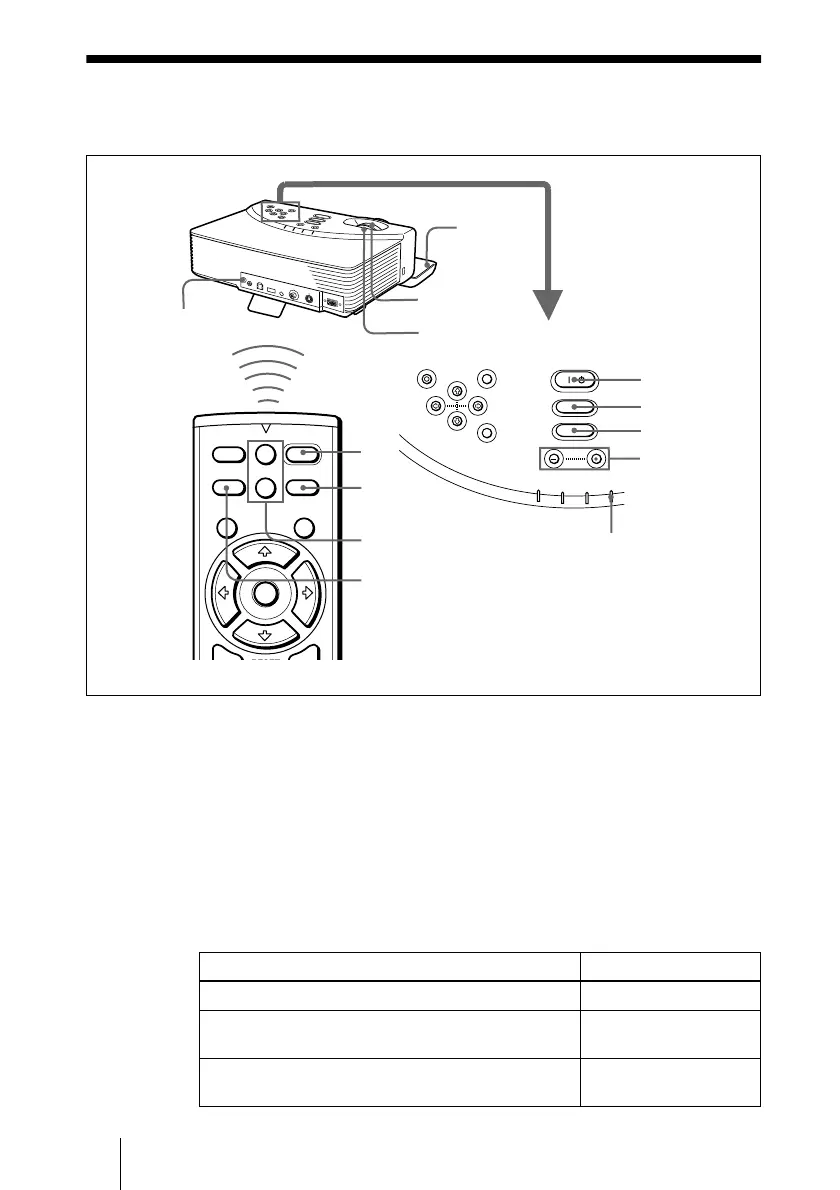
1
Open the front cover, plug the AC power cord into a wall outlet, then
connect all equipment.
The ON/STANDBY indicator lights in red and the projector goes into
standby mode.
2
Press the I /
1
key.
The ON/STANDBY indicator lights in green.
3
Turn on the equipment connected to the projector.
4
Press the INPUT key to select the input source.
To input from Press INPUT to display
Computer connected to the INPUT A connector INPUT A
Video equipment connected to the VIDEO input
connector
VIDEO
Video equipment connected to the S VIDEO input
connector
S VIDEO
RESET MENU POWER
INPUT
APA
POWER SAVING
O
N
/
S
T
A
N
D
B
Y
F
A
N
/
T
E
M
P
L
A
M
P
/C
O
V
E
R
ENTER
VOLUME
1
5
6
2
4
4
2
I / 1
PIC
INPUT
MUTING
MENU ENTER
VOLUME
RESET
APA
+
–
+
–
R
CLICK
APA key
VOLUME +/–
keys
ON/STANDBY indicators
Rear remote
control detector
APA key
VOLUME+/– key



 To Next Page