17
Projecting an Image
Projecting/Adjusting an Image
3 The cursor will disappear if the deflection
range limit is reached.
Correcting deflection 2-The top/bottom edges of the image
1 Move the s by using V/v/B/b to select
the corner you want to correct.
If you push the ENTER, you can switch to
the cursor display.
2 You can adjust the deflection of the edges
by using V/v/B/b.
You can adjust the top position of the
edges by using B/b. For the range of
deflection, use V /v.
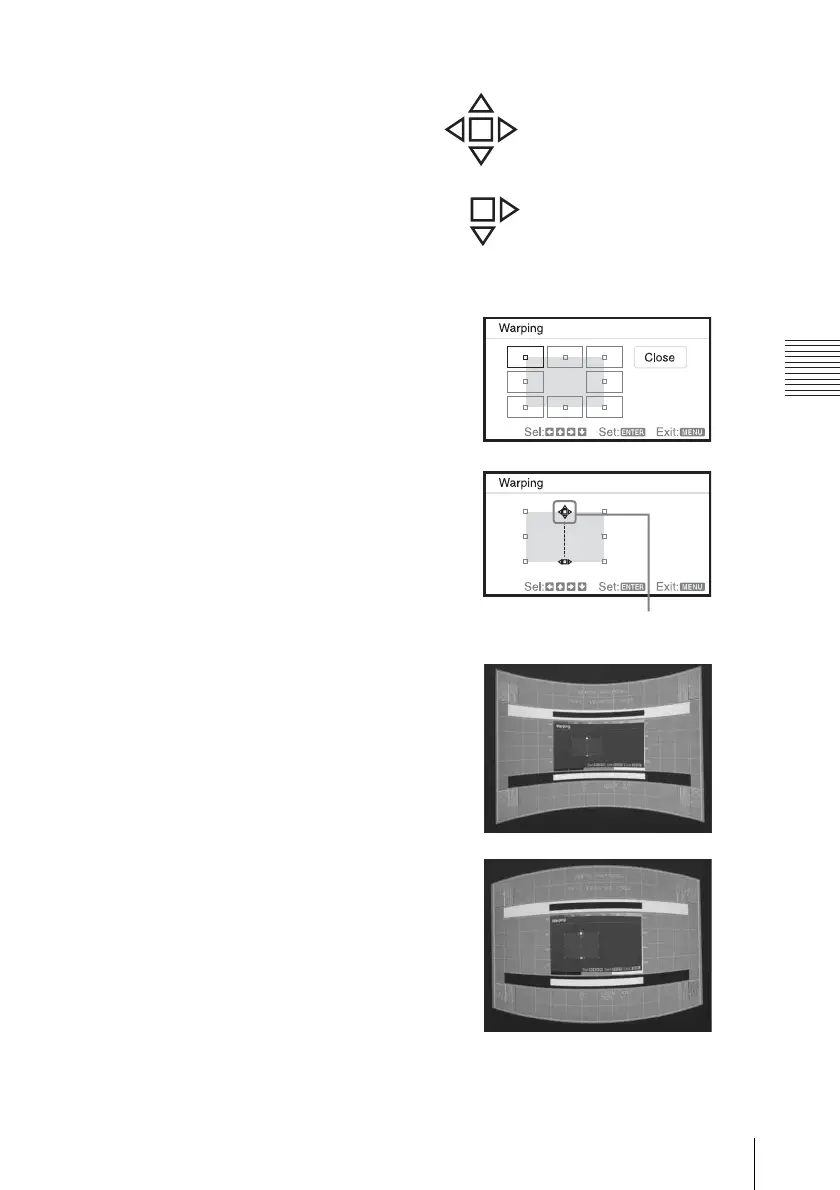
Example of cursor display:
You can adjust in all directions.
You can adjust only towards the
right and downwards.
Adjust using this cursor.


 To Next Page