EasyManua.ls Logo

Sony VPL-ES2 - Page 23

Sony VPL-ES2
98 pages
Print Icon
To Next Page IconTo Next Page
To Previous Page IconTo Previous Page
Loading...
2-3
VPL-CS7/ES2
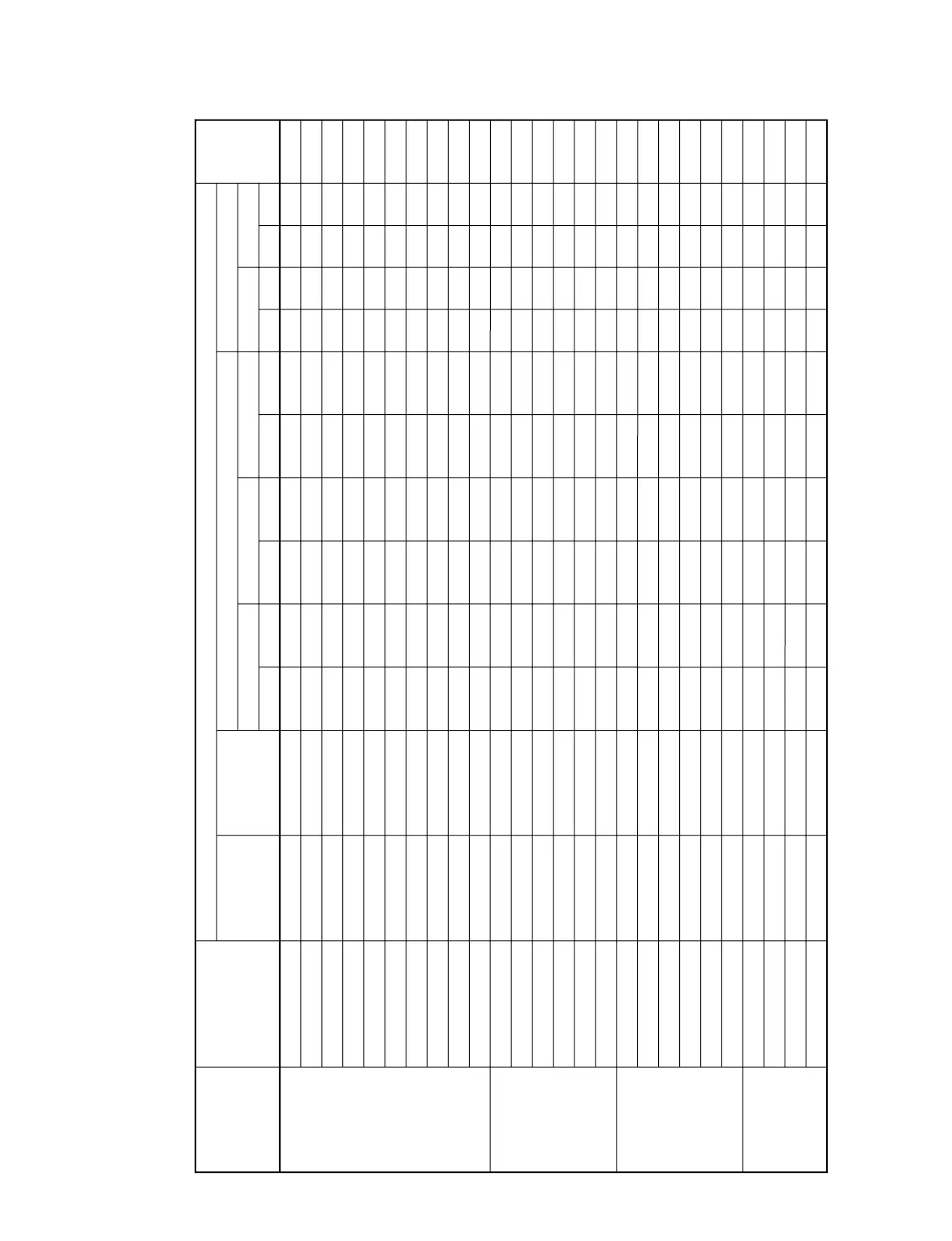
2-3. Initial Values of Adjustment Items
VPL-CS7
Menu
Title
ItemName
Picture Mode
PICTURE
SETTING
INPUT
SETTING
SET
SETTING
MENU
SETTING
Adjust Picture...
Contrast
Brightness
Color
Hue
Sharpness
Gamma Mode
Color Temp.
Adjust Signal...
Dot Phase
H Size
Shift
Wide Mode
Smart APA
Auto Input Search
Input-A Signal Sel.
Color System
Power Saving
Illumination
Status
Scan Conv
90 80 90 80 90 80
40 50 40 50 40 50
50 50 50 50 50 50
50 50 50 50 50 50
High High Middle Middle Middle Middle
____Graphics Graphics
Low Low Low Low High High
Off Off Off Off Off Off
On On
30
On
Off
Computer
Auto
Off
On
On
Languege English
Menu Position Center
Menu Color White
15 (*)
*
*
Volume
Set Memory Status Memory
Standard
Dynamic
Video
Standard Dynamic
S Video
Picture Memory W/B Memory
Standard Dynamic
Input-A
Standard High
Video
Low High
Computer
Low
MemoryName Remark
(Continued)

Other manuals for Sony VPL-ES2

Related product manuals