14
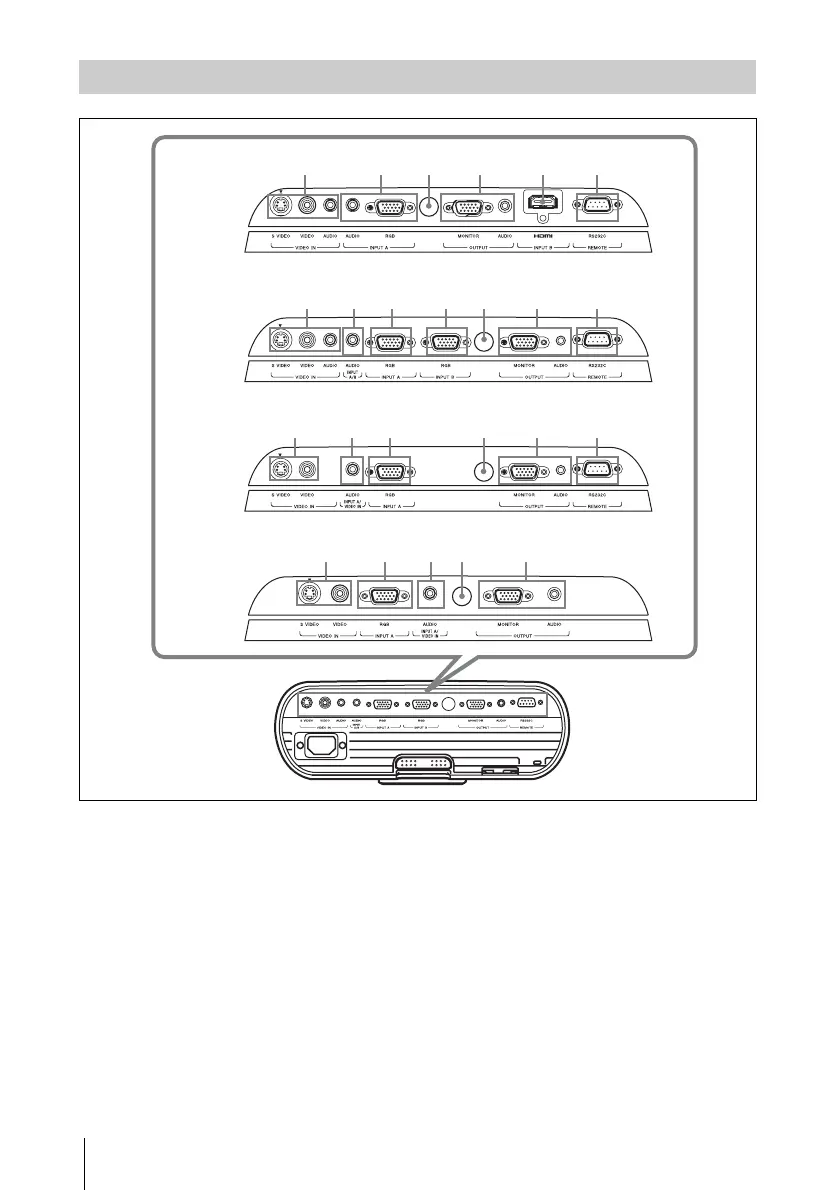
Location and Function of Controls
a VIDEO IN connector
• S VIDEO (mini DIN 4-pin):
Connects to the S video output of
video equipment.
• VIDEO (phone type):
Connects to the video output of video
equipment.
• AUDIO (stereo minijack) (VPL-
EW5/EX50 only):
To listen to sound output from video
equipment, connect via this jack to the
audio output of the video equipment.
b INPUT A connector
• RGB (HD D-sub 15-pin, female):
Inputs a computer signal, video GBR
signal, component signal, or DTV
signal depending on the connected
equipment.
Connects to the output connector of
equipment using the supplied cable or
an optional cable.
• AUDIO (stereo minijack) (VPL-
EW5 only):
To listen to sound output from
computer, connect via this jack to the
audio output of the computer.
Connector Panel
12367
124 567
1236
12 6 758
VPL-EW5
VPL-EX50
VPL-EX5
VPL-ES5
8
8
8




 To Next Page