17
Installing the Projector
Projecting the Picture
B Projecting the Picture
Installing the Projector
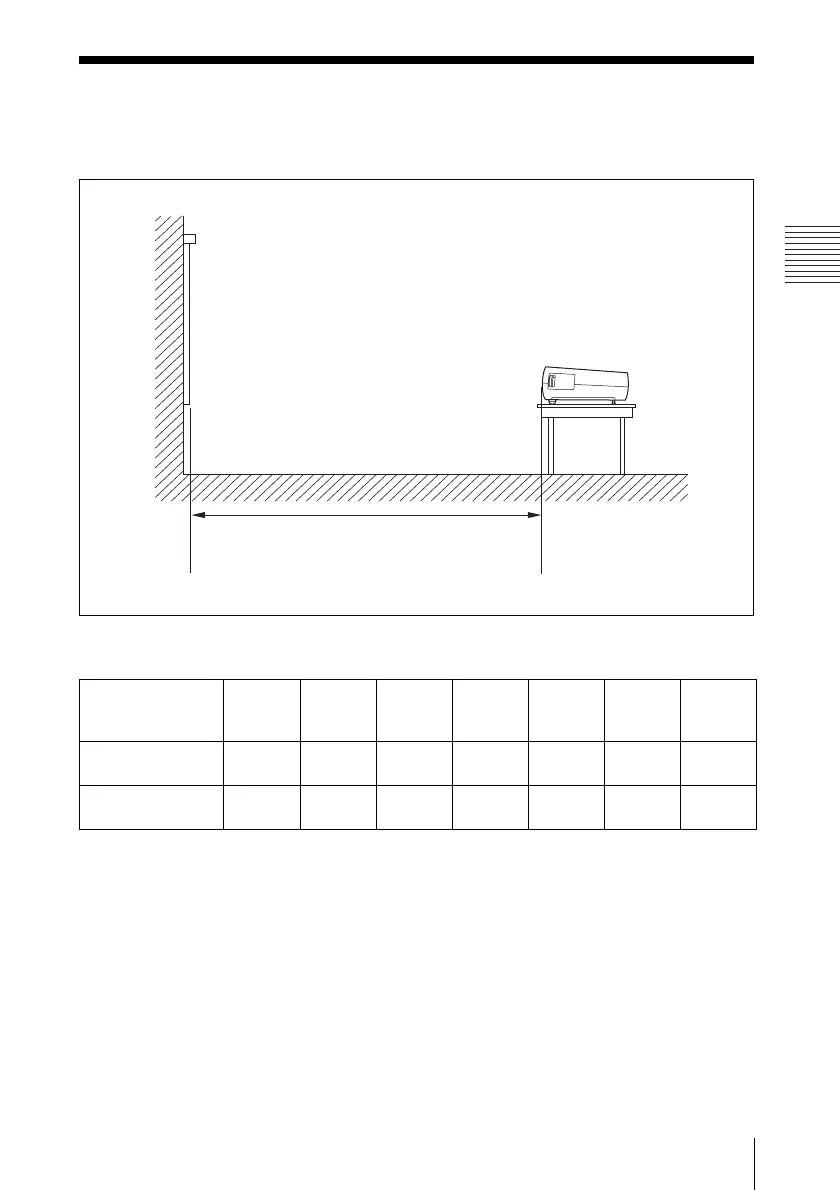
The distance between the lens and the screen varies depending on the size of the screen. Use
the following table as a guide.
VPL-EX50/EX5/ES5
There may be a slight difference between the actual value and the design value shown in the table
above.
Unit: m (feet)
Projected image
size (diagonal)
(inches)
40 80 100 150 200 250 300
Minimum Distance 1.1
(3.6)
2.3
(7.5)
2.9
(9.5)
4.4
(14.4)
5.8
(19.0)
7.3
(24.0)
8.8
(28.9)
Maximum
Distance
1.4
(4.6)
2.8
(9.2)
3.5
(11.5)
5.2
(17.1)
7.0
(23.0)
8.8
(28.9)
10.5
(34.5)
Distance between the screen and
the center of the lens
Screen
* Adjuster not stretched, and the V Keystone function has been done.




 To Next Page