18
Installing the Projector
VPL-EW5
(When “Aspect” on the Signal menu is set to “Full 2”
There may be a slight difference between the actual value and the design value shown in the table
above.
• When “Aspect” on the Signal menu is set to other than “Full 2”, black bands may appear at the top
and bottom or right and left of the screen.
• When “Aspect” in the Signal menu is set to “4:3”, the projected image size (diagonal) will be
approximately 88 % of “Full 2” size.
• When “Aspect” in the Signal menu is set to “16:9”, the projected image size (diagonal) will be
approximately 97 % of “Full 2” size.
For details on installation, see “Installation Diagram” on page 54.
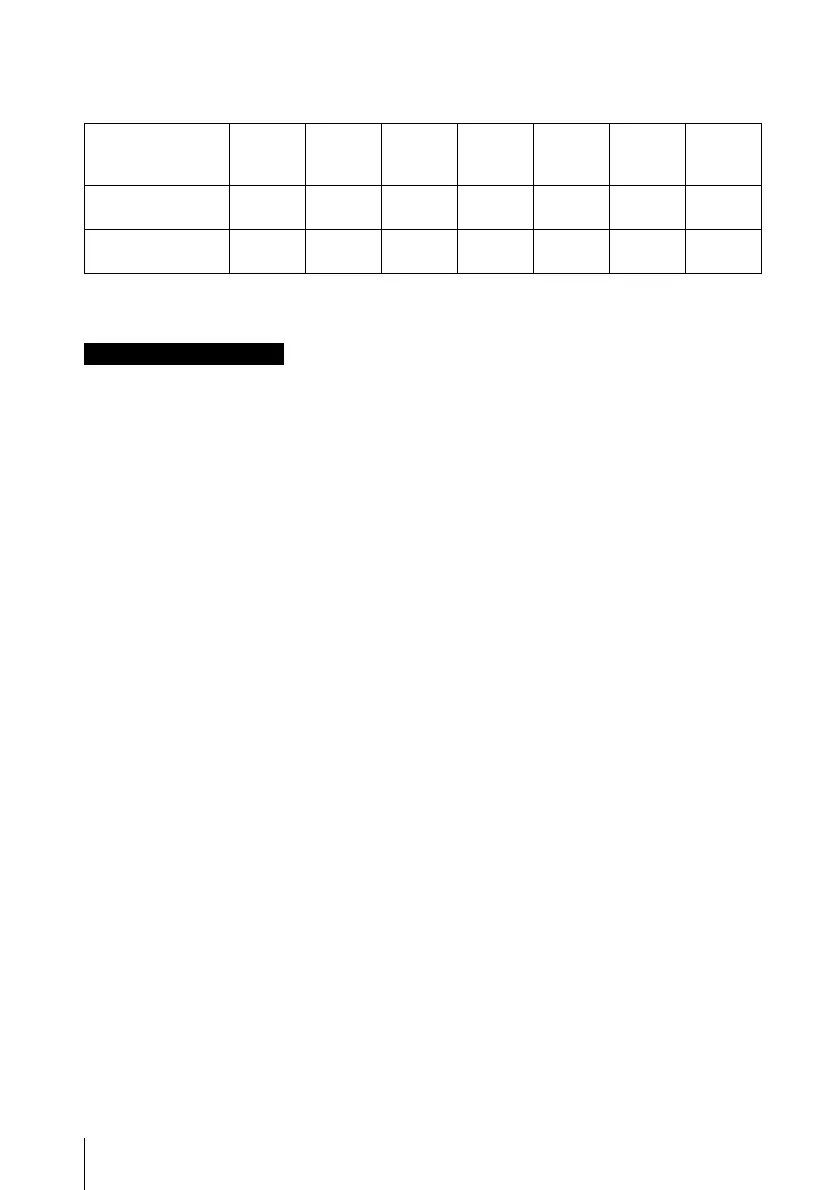
Unit: m (feet)
Projected image
size (diagonal)
(inches)
40 80 100 150 200 250 300
Minimum Distance 1.2
(3.9)
2.5
(8.2)
3.1
(10.2)
4.6
(15.1)
6.2
(20.3)
7.7
(25.3)
9.3
(30.5)
Maximum
Distance
1.5
(4.9)
2.9
(9.5)
3.7
(12.1)
5.6
(18.4)
7.4
(24.3)
9.3
(30.5)
11.1
(36.4)
Notes for VPL-EW5 only





 To Next Page